
AI Upscaling (Scale and Creativity)
AI upscaling enlarges a finished image, controlled primarily by scale factor and creativity settings. A low creativity setting sharpens the original canvas while preserving every detail faithfully. Higher creativity grants the model freedom to invent brand-new micro-textures, which can elevate illustrations but may alter delicate features.
Also known as: upscale, upscale_factor, creativity, resemblance, Subtle, Creative
Side-by-side test results
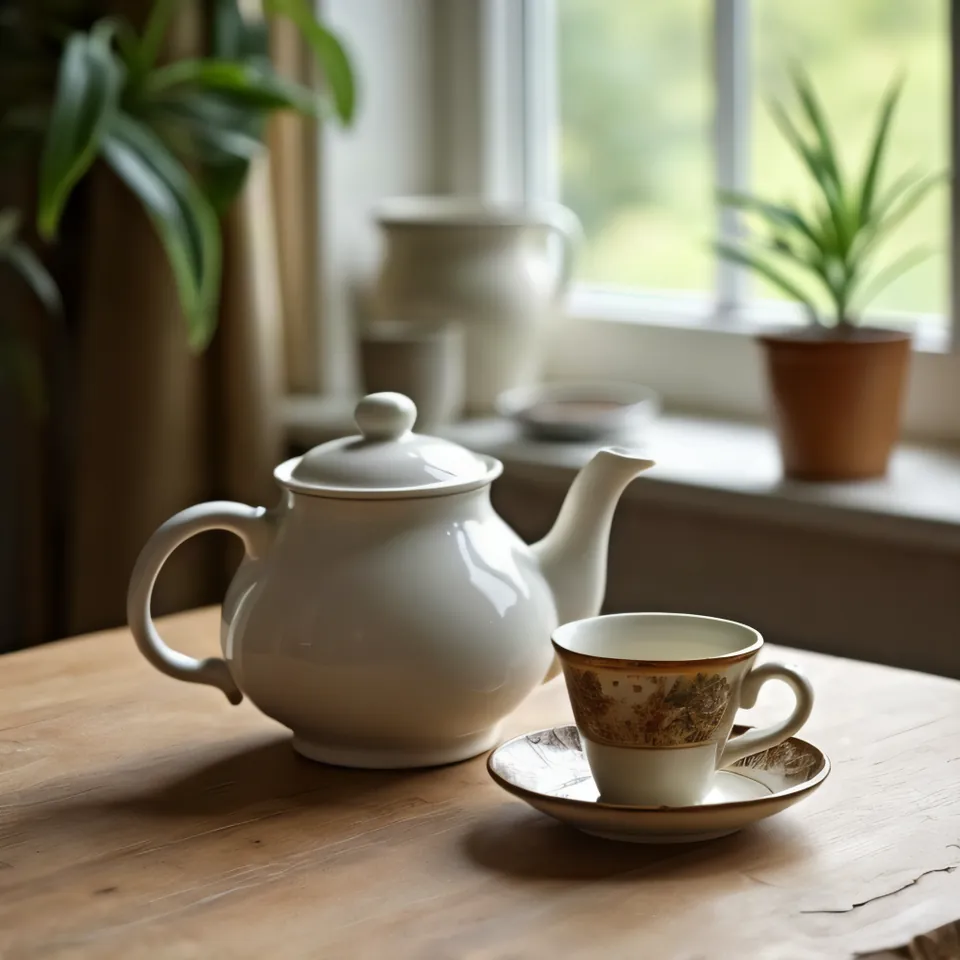
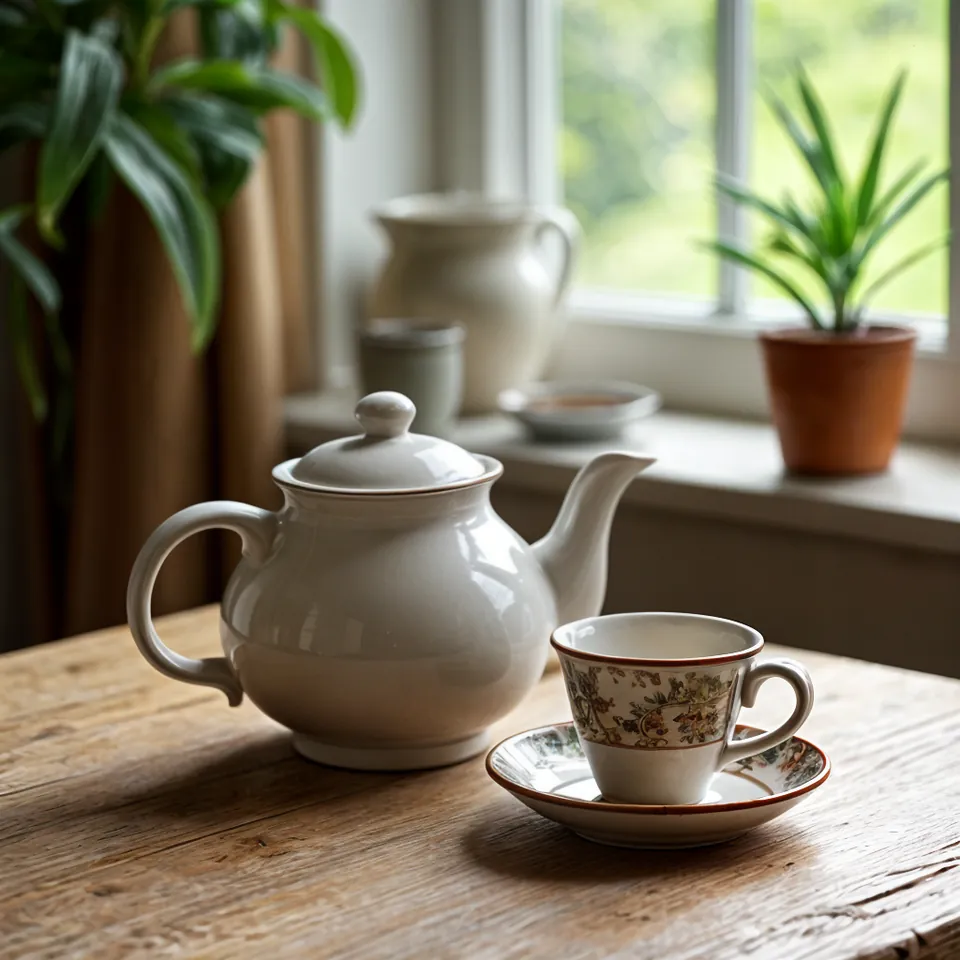
Drag the slider to compare. Left: x2, creativity 0.1. Right: x2, creativity 0.6.
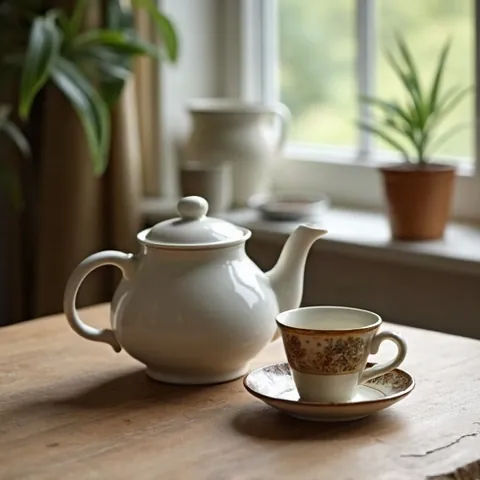
Model: Clarity Upscaler (przez API fal.ai). Settings: input image 512 x 512 from resolution entry, upscale_factor 2, seed 1411. Date: 14.11.2026.
Prompt: domyślny prompt upscalera
Both test outputs measured 1024 px and looked notably sharper than the original file. At a creativity value of 0.6, the upscaler hallucinated crisper wood grain and surface textures, but it also subtly altered the pattern on the cup. Dropping creativity to 0.1 preserved the original cup design completely.
Syntax across generators
| Generator | Parameter | Values | Default |
|---|---|---|---|
| Midjourney* | Upscale (Subtle) / Upscale (Creative)Subtle: minimalne zmiany; Creative: dodaje detale, potrafi poprawić dlonie/miny | 2x | - |
| Ideogram | upscale endpoints (Topaz Bloom 2, Redefine, Standard V2, Text Refine, Wonder 3.5, Wonder 4, Nano Banana Pro, auto)Parameters 'resemblance'/'detail' (old upscale v1) are not present in API v2 | upscale_factor x2 (default)/4x/8x, result max. 8192 px per side; Wonder 4: 2x/4x, max. 100 MP; creativity 1-9 (def. 3) in Bloom 2/Redefine; strength 0.01-1 in Standard V2/Text Refine; Nano Banana Pro: resolution_tier 1K/2K/4K (def. 2K) | x2 |
| Imagen (retired) | upscaleConfig.upscaleFactor (imagen-4.0-upscale-preview)Model in preview | x2, x3, x4; result max. 17 MP | - |
| Stability AI (SD 3.5) | Upscale Fast / Conservative / Creative (creativity)Creative for heavily degraded images, not for photos >= 1 MP | Fast: 4x; Conservative: 20-40x up to 4 MP; Creative: 20-40x up to 4K, input 4096-1 048 576 px, creativity 0.1-0.5 | creativity 0.3 |
| FLUX | no separate upscaler in API (resolution up to 4k in FLUX 3) | - | - |
| GPT Image | none | - | - |
* Midjourney: docs.midjourney.com blocks automated scrapers, so values are sourced from search engine indexes. Please verify settings on the official Midjourney site before production use.
- Sources, verified on 14.11.2026:
- Midjourney: docs.midjourney.com/hc/en-us/articles/32804058614669-Upscalers
- Ideogram: developer.ideogram.ai/openapi/ideogram-api-v2.json
- Imagen: docs.cloud.google.com/vertex-ai/generative-ai/docs/image/up...
- Stability AI: docs.stability.ai/api-reference/upscale/creative-upscale-as...
- FLUX: docs.bfl.ml/api-reference/utility/generate-an-image-with-fl...
- GPT Image: developers.openai.com/api/docs/guides/image-generation
When to use it
- Keep creativity low for client headshots, e-commerce products, and brand logos where shape accuracy is essential.
- Dial creativity up for fantasy concept art, landscape paintings, and stylized posters to add rich, convincing textures.
- Use a 2x scale factor for website hero banners or social media, and reserve 4x enlargement for physical print runs.
Common mistake
A frequent pitfall is cranking up creativity on portraits or product mockups. The upscaler will gladly distort small typography, reshape facial features, or replace intricate packaging patterns with random decorative swirls. Another common mistake is chained upscaling, where running an image through multiple consecutive rounds stacks aggressive visual artifacts and unnatural contrast.
Ready-to-use example
Midjourney: click Upscale (Subtle) or Upscale (Creative)
Stability: /upscale/conservative or /upscale/creative with "creativity": 0.3
Imagen (Vertex): upscaleFactor x2 / x4
Frequently asked questions
What is the difference between Subtle and Creative upscaling in Midjourney?
Subtle upscales the image while keeping pixels and details as true to the original as possible. Creative re-interprets the canvas, introducing fresh micro-details and minor shifts in lighting or texture.
How does AI upscaling differ from traditional bicubic enlargement?
Traditional software stretches existing pixels and blurs the gaps, leading to soft edges. AI upscaling predicts and generates new realistic pixels based on training data, genuinely restoring perceived sharpness.
What does the resemblance slider do in AI upscalers?
Resemblance acts as the inverse of creativity: higher resemblance locks down the exact shapes and colors of the source image, while lower resemblance gives the model permission to improvise.