Does GTA 6 Have First-Person View? FPP Camera Explained
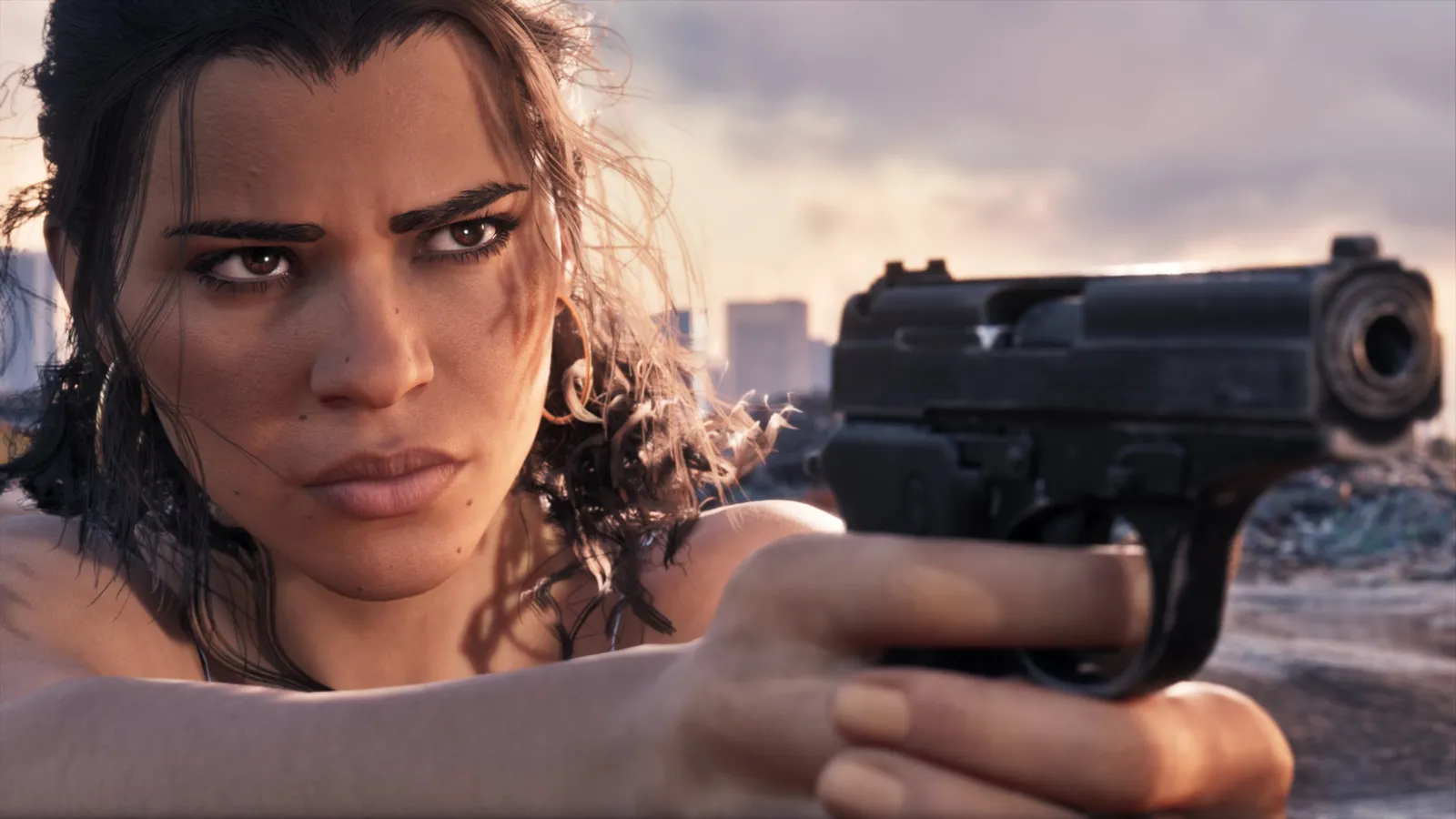
Full First-Person View at Launch
GTA 6 is designed primarily as a third-person, over-the-shoulder action game. There is no traditional first-person mode allowing players to move through missions entirely from the protagonist’s perspective at launch.
While updated editions of GTA 5 introduced a toggleable first-person viewpoint across both story mode and multiplayer, GTA 6 confines first-person framing to specific contextual situations. Rockstar Games has not announced any official plans or timeline for a persistent first-person camera mode after launch.
Situational First-Person Features
Although a global first-person setting is absent, the game provides three distinct mechanics where the camera shifts to a first-person perspective.
First, certain weapons allow you to aim down sights, switching your viewpoint directly behind the weapon’s optics or iron sights. Second, select vehicles support an interior cockpit view while driving. Third, players can manually trigger a stationary first-person look-around angle while standing still.
- Stand completely still with your character.
- Hold L2 on PlayStation (LT on Xbox) to focus or zoom in.
- Click both thumbsticks at once (L3 + R3 / LS + RS) while holding the trigger to enter the stationary first-person view.
- Look around to inspect details or frame screenshots. Note that initiating any movement immediately returns the camera to third person.
- Do not press L3 + R3 without holding L2/LT first, as clicking the sticks alone activates the Focus mechanic, which slows time and drains your Focus meter.
Aiming and Camera Settings
Combat in GTA 6 defaults to target lock-on assistance typical of Rockstar’s third-person shooters. However, players looking for a more traditional shooter experience can adjust these behaviors in the settings menu.
You can disable aim assist to use free aim. Combined with weapons that feature true down-the-sights aiming, this setup delivers a shooting feel closer to an over-the-shoulder tactical shooter, even without a persistent first-person camera.
Frequently asked questions
Can you play GTA 6 entirely in first-person view?
No. GTA 6 does not include a full first-person playthrough mode. The viewpoint is only available while stationary, inside select vehicle interiors, or when aiming down the sights of specific weapons.
How do you activate the first-person view on foot in GTA 6?
Stop moving, hold L2 on PlayStation or LT on Xbox, and click both analog sticks (L3 + R3 or LS + RS). Moving your character in any direction immediately cancels the view.
Has Rockstar confirmed a full first-person update for GTA 6?
No plans have been announced. In GTA 5, the full first-person perspective arrived later alongside ports to newer hardware.
Next guide · GTA 6 radio stations, hosts and songs