
Sampling Steps (Inference Steps)
Sampling steps determine how many rounds of denoising the AI performs to turn pure visual static into a crisp image. Setting this value too low leaves behind a blurry, unfinished draft, while pushing it too high simply wastes computing time without adding meaningful detail. Finding the sweet spot ensures clear images without unnecessary delays.
Also known as: steps, num_inference_steps, sampling steps
Side-by-side test results

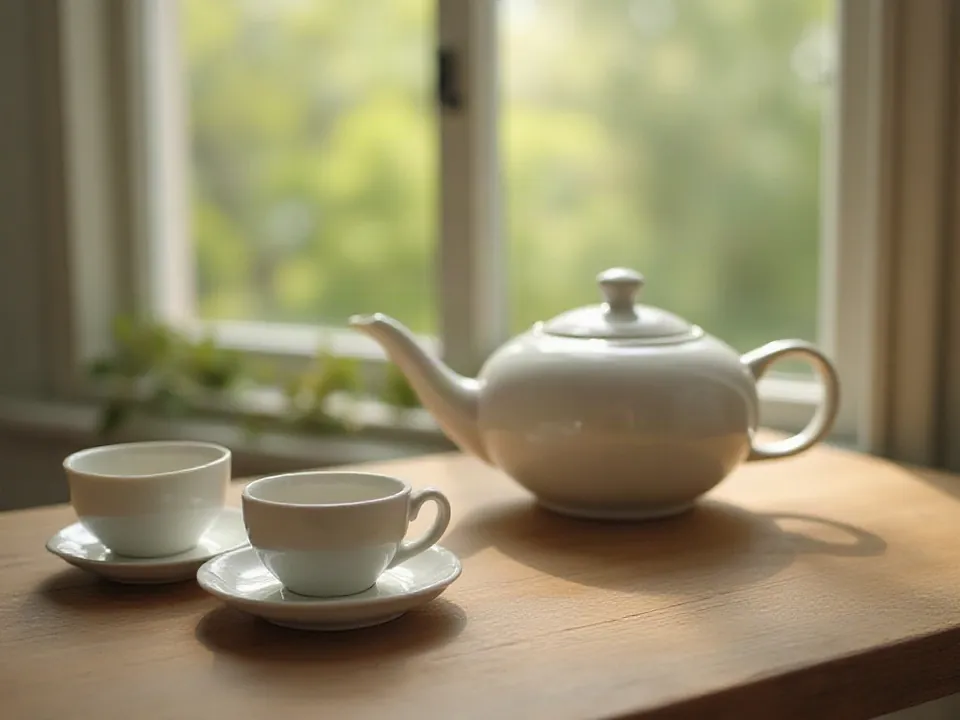
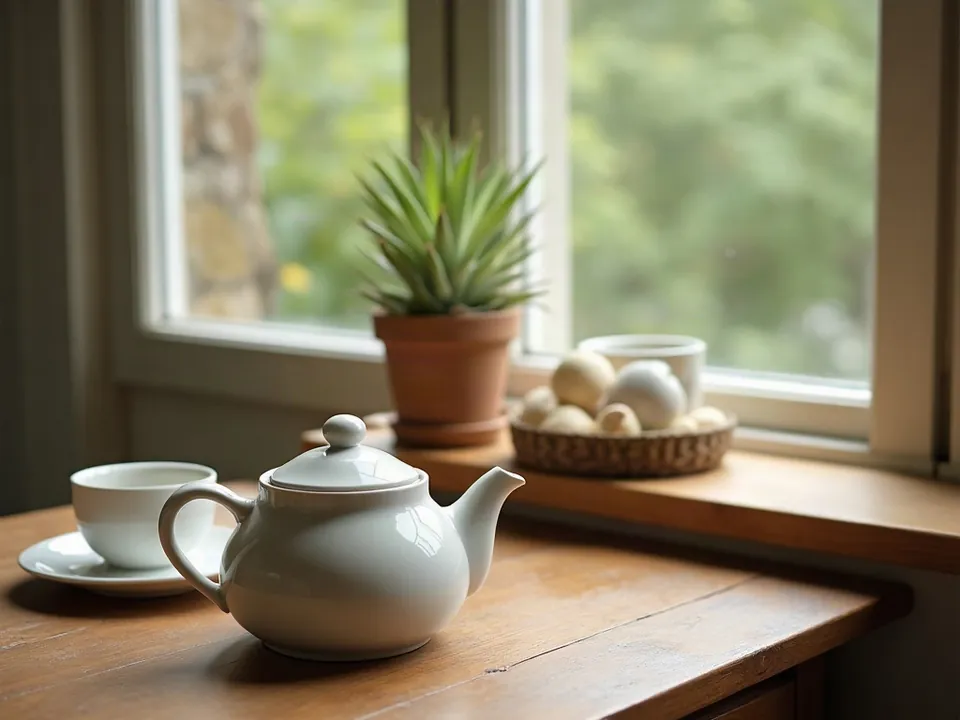
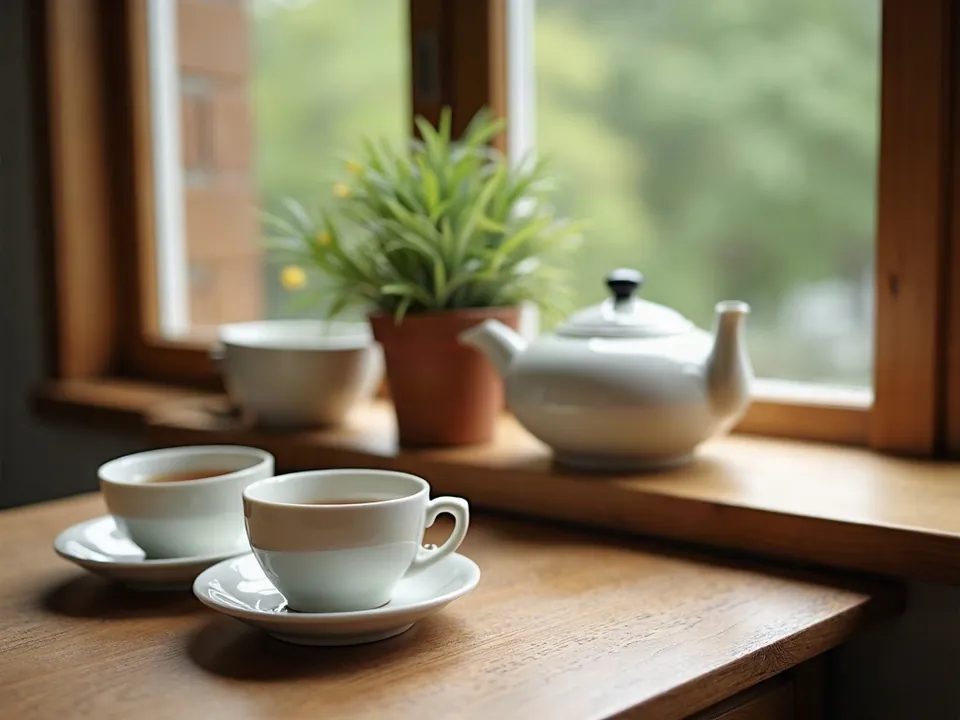
Model: FLUX.1 [dev] (otwarte wagi, przez API fal.ai). Settings: seed 1411, guidance 3.5, only the step count changes. Date: 14.11.2026.
Prompt: a ceramic teapot and two cups on a wooden table next to a window, soft morning light, still life photo
In my test, 4 steps resulted in a foggy, flat sketch. At 10 steps, the subject was clearly legible but still noticeably soft. Moving from 28 to 50 steps altered minor composition details rather than actual image quality, yet the render time nearly doubled from 5.9 seconds to 9.4 seconds on my machine.
Syntax across generators
| Generator | Parameter | Values | Default |
|---|---|---|---|
| FLUX | stepsNot present in FLUX 3 Image and FLUX.2 [pro]. Klein: Distilled 16 steps, Base 50 | FLUX.2 [flex]: 1-50; Fill/Expand: 15-50 | 50 |
| Seedream | unconfirmed | - | - |
| Imagen (retired) | editConfig.baseSteps (editing only)For outpainting, documentation suggests starting at 35 | integer | - |
| ComfyUI | steps (KSampler) | 1-10000 | 20 |
| Midjourney | none (indirectly --stop in older versions) | - | - |
| Ideogram | no such parameter | - | - |
| GPT Image | no such parameter | - | - |
| Qwen-Image | none in retrieved documentation | - | - |
| Stability AI (SD 3.5) | none in API | - | - |
- Sources, verified on 14.11.2026:
- FLUX: docs.bfl.ml/api-reference/models/generate-or-edit-an-image-...
- Seedream: docs.byteplus.com/en/docs/ModelArk/1541523
- Imagen: docs.cloud.google.com/vertex-ai/generative-ai/docs/image/ed...
- ComfyUI: docs.comfy.org/built-in-nodes/sampling/ksampler
- Midjourney: docs.midjourney.com/hc/en-us/articles/33329788681101-Legacy...
- Ideogram: developer.ideogram.ai/openapi/ideogram-api-v2.json
- GPT Image: developers.openai.com/api/docs/guides/image-generation
- Qwen-Image: www.alibabacloud.com/help/en/model-studio/qwen-image-genera...
- Stability AI: docs.stability.ai/api-reference/generate/stable-diffusion-3...
When to use it
- Use low step counts (4 to 10) for rapid drafting when testing prompts or framing concepts for a local bakery menu or indie game storyboard.
- Stick to the recommended default step count of your specific base model for the final render.
- Keep step counts low on specialized Turbo, Schnell, and Lightning checkpoints, which are distilled to produce peak quality in just a handful of iterations.
Common mistake
Setting your sampler to 100 or 150 steps in the hope of unlocking extra photorealism is a common pitfall. In real testing, 50 steps showed no visible improvement over 28 steps. Pushing steps needlessly high simply hogs GPU time, slows your workflow, and inflates cloud compute bills.
Ready-to-use example
ComfyUI:  KSampler -> steps = 20-30
FLUX.2 [flex]:  "steps": 50 (default)
Midjourney, GPT Image, Ideogram, FLUX 3:  no parameter available
Frequently asked questions
How many steps should I use in Stable Diffusion?
For standard models, 20 to 30 steps offer the best balance of fidelity and speed. Distilled architectures such as Turbo or Lightning require only 4 to 8 steps, and feeding them higher values can actually degrade image quality.
Do more sampling steps always mean higher image quality?
No, denoising returns diminish rapidly after a model reaches convergence. Past roughly 30 to 40 steps on standard samplers, additional passes only tweak minute pixels and prolong generation time.
Why do web tools like Midjourney lack a step slider?
Consumer-focused web platforms lock inference steps on their servers to guarantee predictable latency and prevent users from monopolizing shared GPU resources.