
GTA 6 - where to find the Vice City sign from the jet screenshot
Find the giant Vice City letters on the community map, then use the metal supports and uplighting to line up Rockstar's airport screenshot.
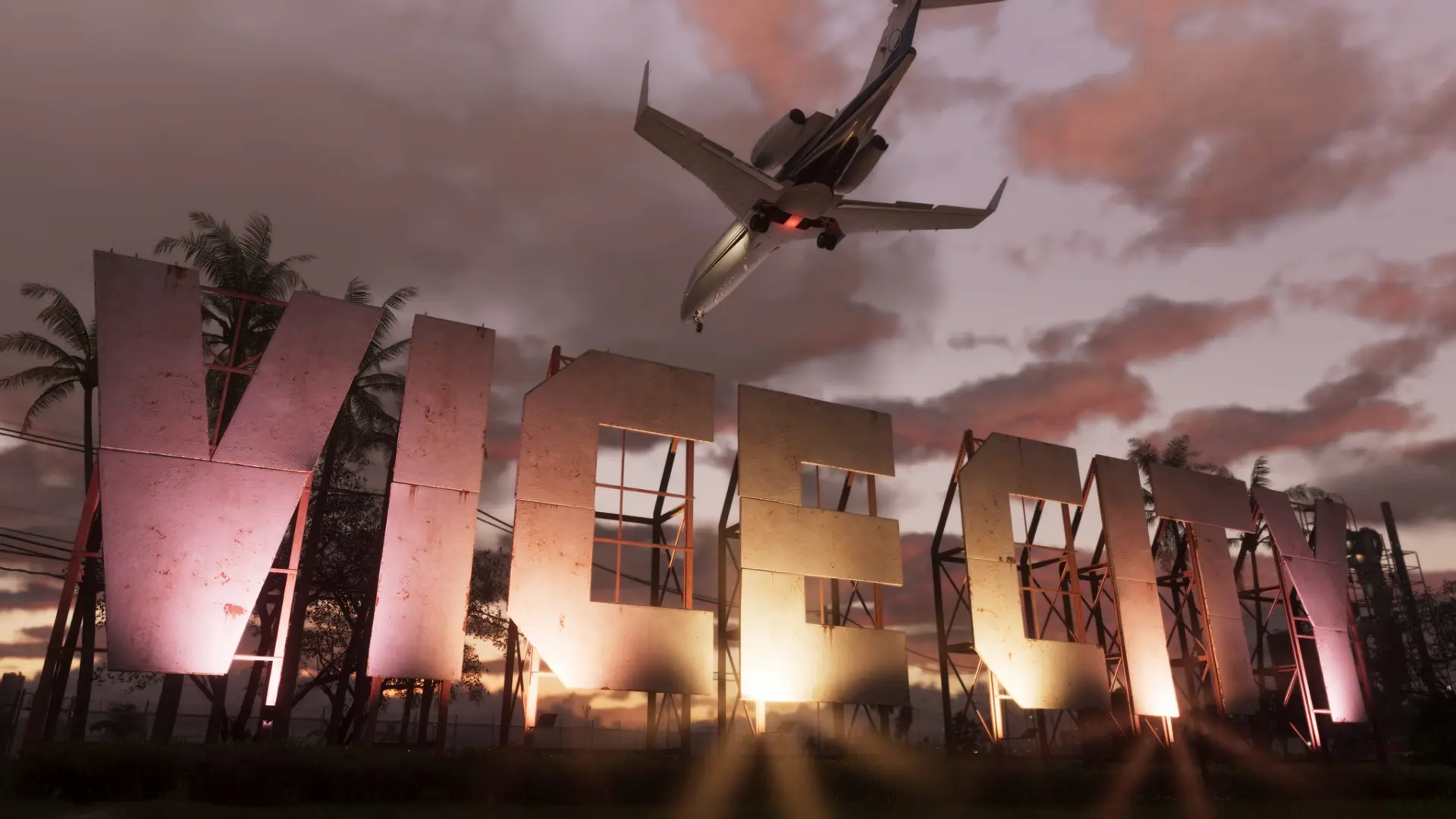
The community atlas places the giant VICE CITY letters at Vice City International Airport. If you are looking for the landmark from Rockstar's shot of a jet flying overhead, open the sign's pin on the Leonida map.
- The community atlas places the giant VICE CITY letters at Vice City International Airport
- Look for “Vice City 01” in Rockstar's GTA VI screenshot gallery.
How to match the screenshot
Look for individual letters on metal supports. You can see palms through the gaps, and the lights shine up from below, picking out the V in pink and the central letters in gold. Those fixed details make a better reference than waiting for a plane.
For a similar shot, I would keep the camera low in front of the lettering and leave room above it for the sky. Rockstar's image shows the underside of the aircraft with its landing gear extended. The gallery calls the shot “Vice City 01”.
Related guides
Sources
Frequently asked questions
What is the official screenshot called?
Look for “Vice City 01” in Rockstar's GTA VI screenshot gallery.
Which map pin marks the sign?
Open pin L456 by Vice City International Airport. In the Rockstar shot, a jet with its landing gear down passes over the illuminated letters.
Unofficial site, not affiliated with Rockstar Games or Take-Two Interactive.
Read next

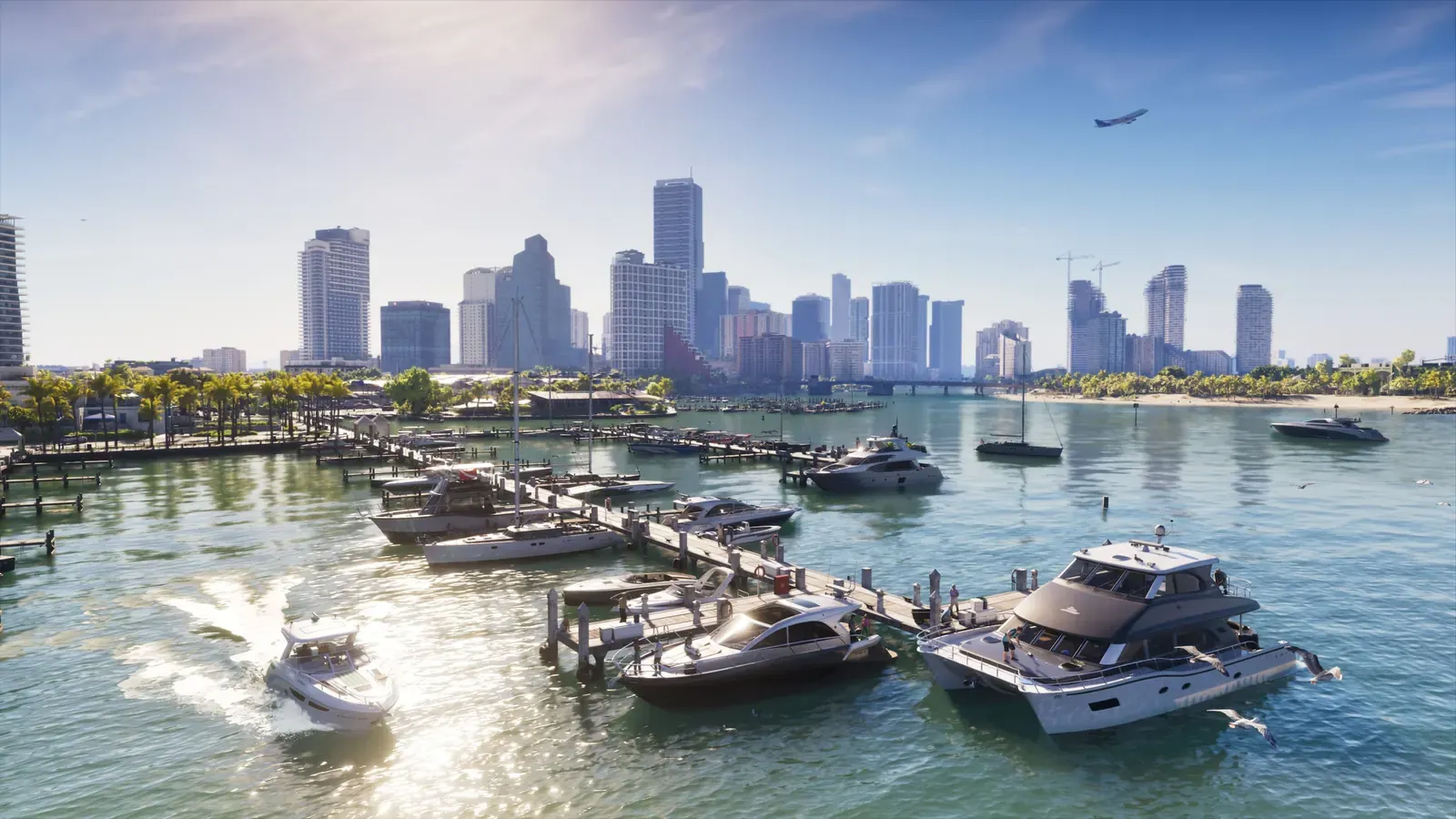 GTA 6 · GuideGTA 6 Map - Interactive Map of Vice City and LeonidaExplore the GTA VI map by location name or category. Find Vice City, garages, safehouses and collectibles, open a pin and keep track of...
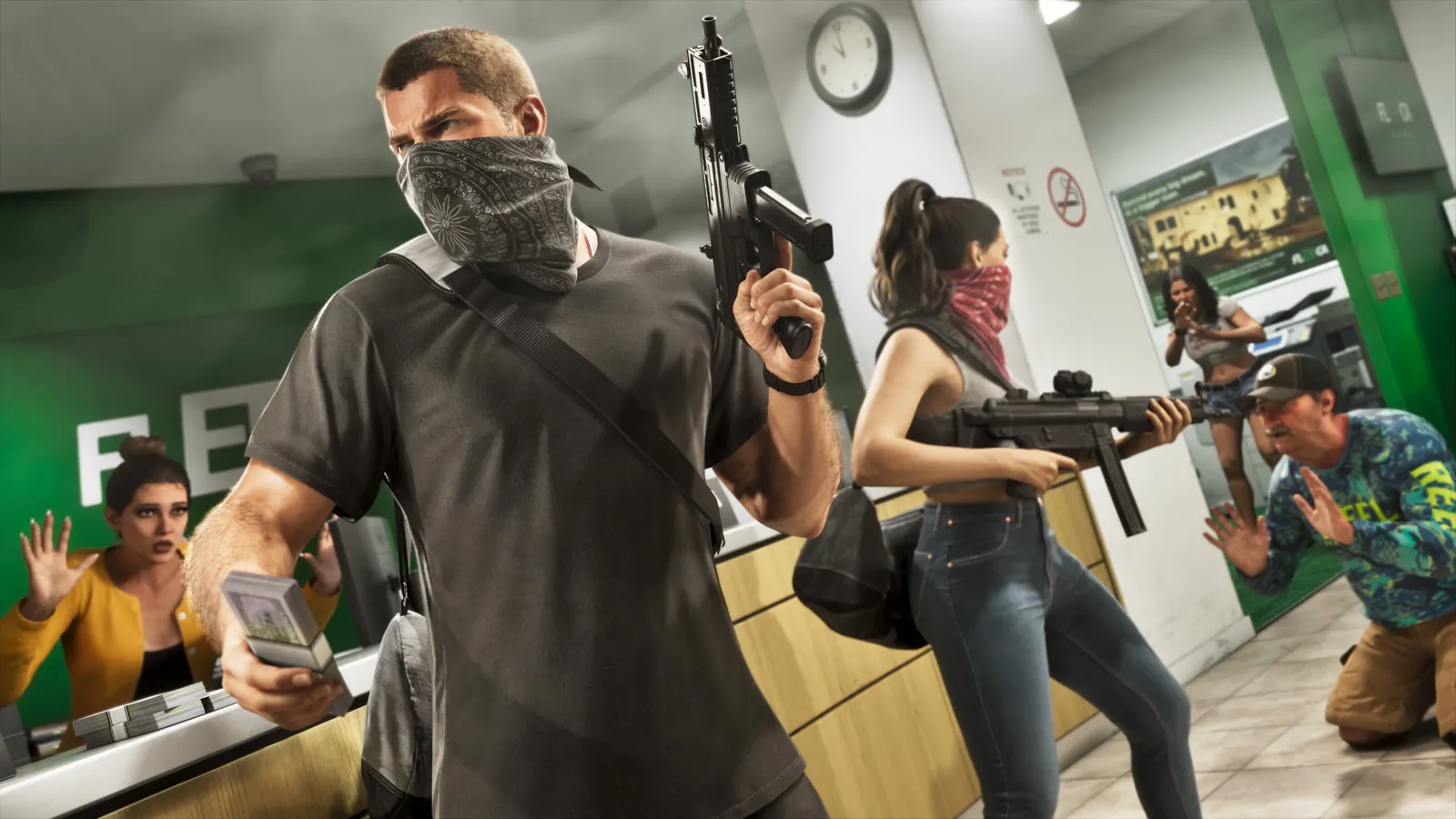 GTA 6 · GuideGTA 6 walkthrough: missions by chapterBrowse the GTA 6 story missions across five chapters. Find your current objective by its in-game title, starting with Lucia in the Prologue.
 GTA 6 · GuideGTA 6 review: Jason, Lucia and life beyond Vice CityThe slower opening in the Keys pays off in Leonida, where Jason and Lucia give Rockstar’s vast world a personal centre. The verdict is...

