
GTA 6 Photo Mode Guide: How to Use Photo Studio
Learn how to access and configure Photo Studio in GTA 6, tweak lighting, manage depth of field, and capture clean console screenshots.
Contents 4
How to Open Photo Studio
Grand Theft Auto 6 includes a dedicated photo mode called Photo Studio. It is available from the prologue, when playing as Lucia, and does not require story progression to unlock.
- Photo Studio is available from the prologue via the pause menu or a controller shortcut.
- The tool includes lighting, depth of field, and framing options, but cannot change weather or time of day.
- Saved images go to the protagonist's in-game phone gallery, while local files require a console screenshot.
Photo Studio is separate from the protagonist's smartphone camera, which is opened with Up on the D-pad for quick snapshots and selfies.
- Pause the game at the desired moment using Options on PS5 or Menu on Xbox Series X|S.
- Select Photo Studio from the pause menu, or tap Square on PS5 or X on Xbox directly on the pause screen.
- Frame your shot, adjust camera and lighting settings, and press Cross on PS5 or A on Xbox to save the photo.
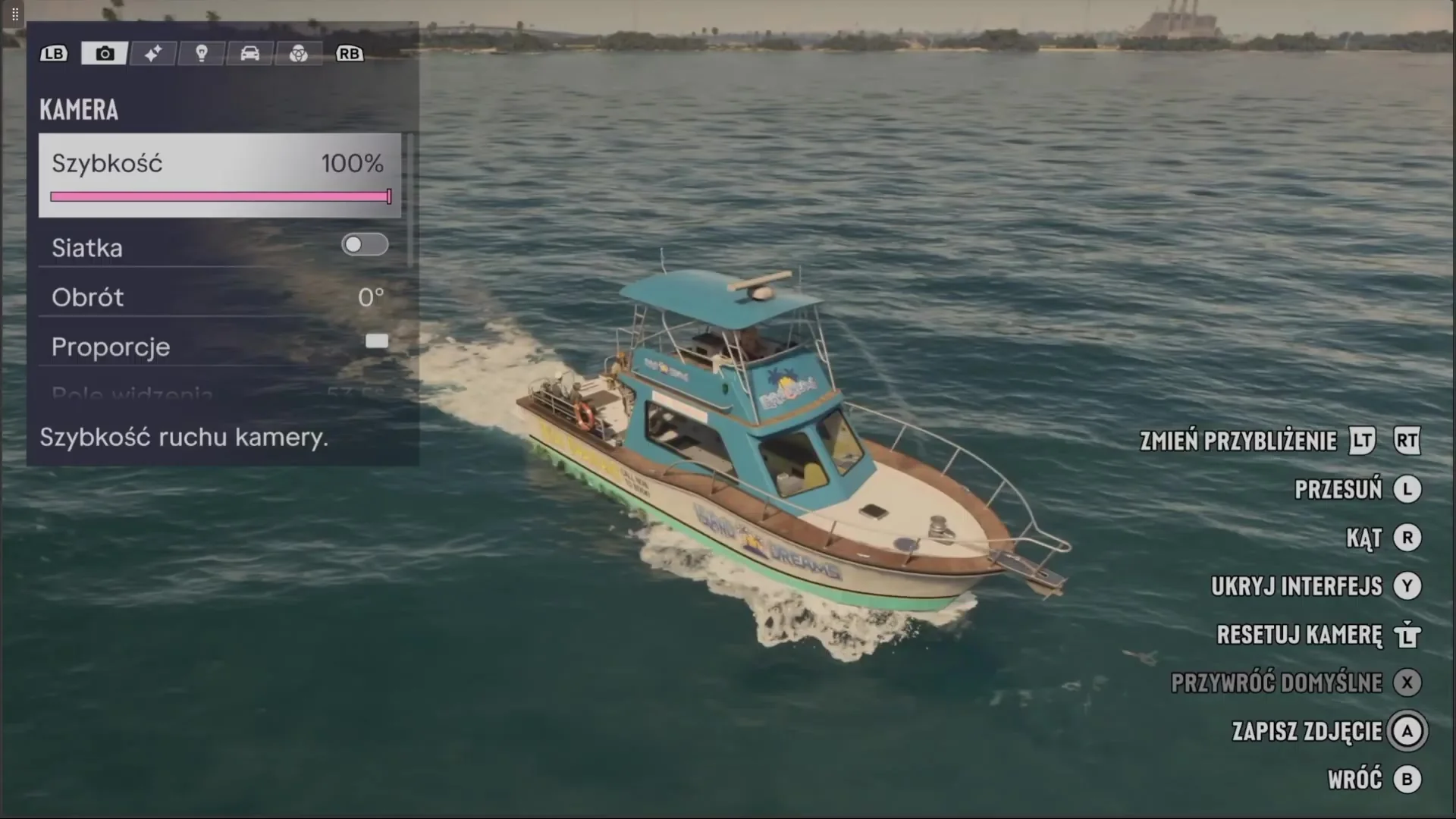
Camera Settings and Tool Tabs
The Photo Studio interface features five primary tabs across the top panel, cycled using bumper buttons (L1/R1 on PS5 or LB/RB on Xbox).
Camera tab: controls camera movement speed, composition grid overlays, frame tilt in degrees, and aspect ratio formats.
Depth of Field: lets you adjust aperture to blur backgrounds behind your character or keep distant views sharp.
Lighting: allows placement of artificial lights, including spotlights, floodlights, and softboxes, with adjustable color and intensity values.
Filters and Color: offers preset color palettes, grading filters, and vignette effects to alter the scene atmosphere.
Character Visibility: lets you hide the protagonist to capture clean landscape or architectural shots.
Basic controls are displayed in the lower-right corner. The left stick moves the camera position while the right stick adjusts the viewing angle. Pressing Y on Xbox or Triangle on PS5 hides the user interface for clean captures. Pressing X on Xbox restores default settings, the Left Trigger resets the camera, and B or Circle exits back to the game.
Feature Limitations and Storage
Photo Studio has specific operational bounds. You cannot alter the active weather or force a different time of day inside the tool; waiting for specific lighting conditions or sleeping at a safehouse remains necessary. Protagonists Jason and Lucia cannot have their facial expressions or poses manually reconfigured. The mode works during cutscenes, though several options will show as Currently Unavailable.
Photos saved in Photo Studio are placed directly into the photo gallery on your character's in-game mobile phone. To save an image to console storage, hide the user interface and take a standard screenshot using the Create button on PS5 or the Share button on Xbox Series X|S.
Frequently asked questions
How do you open Photo Studio in GTA 6?
Pause the game with Options on PS5 or Menu on Xbox Series X|S, then select Photo Studio or press Square on PS5 or X on Xbox.
Can you change the weather or time of day in Photo Studio?
No. The mode cannot change weather or time of day, but it does allow customizable lights, depth of field, and color filters.
Where are GTA 6 Photo Studio pictures stored?
Captured shots are stored in the gallery on the character's in-game phone. To save files to console storage, hide the UI and capture via the console screenshot function.
Unofficial site, not affiliated with Rockstar Games or Take-Two Interactive.
Read next
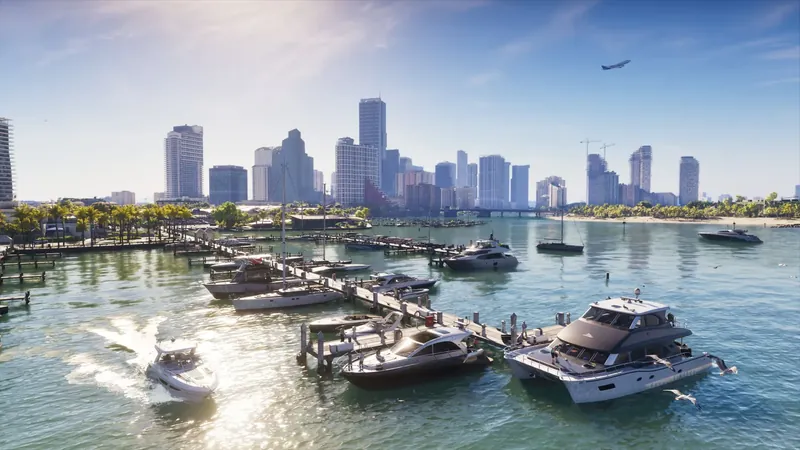 GTA 6 · GuideGTA 6 interactive map: search the Leonida atlasSearch Leonida locations, filter map layers and mark locations in your browser. Compare the coordinate atlas with the separate illustrated guide map.
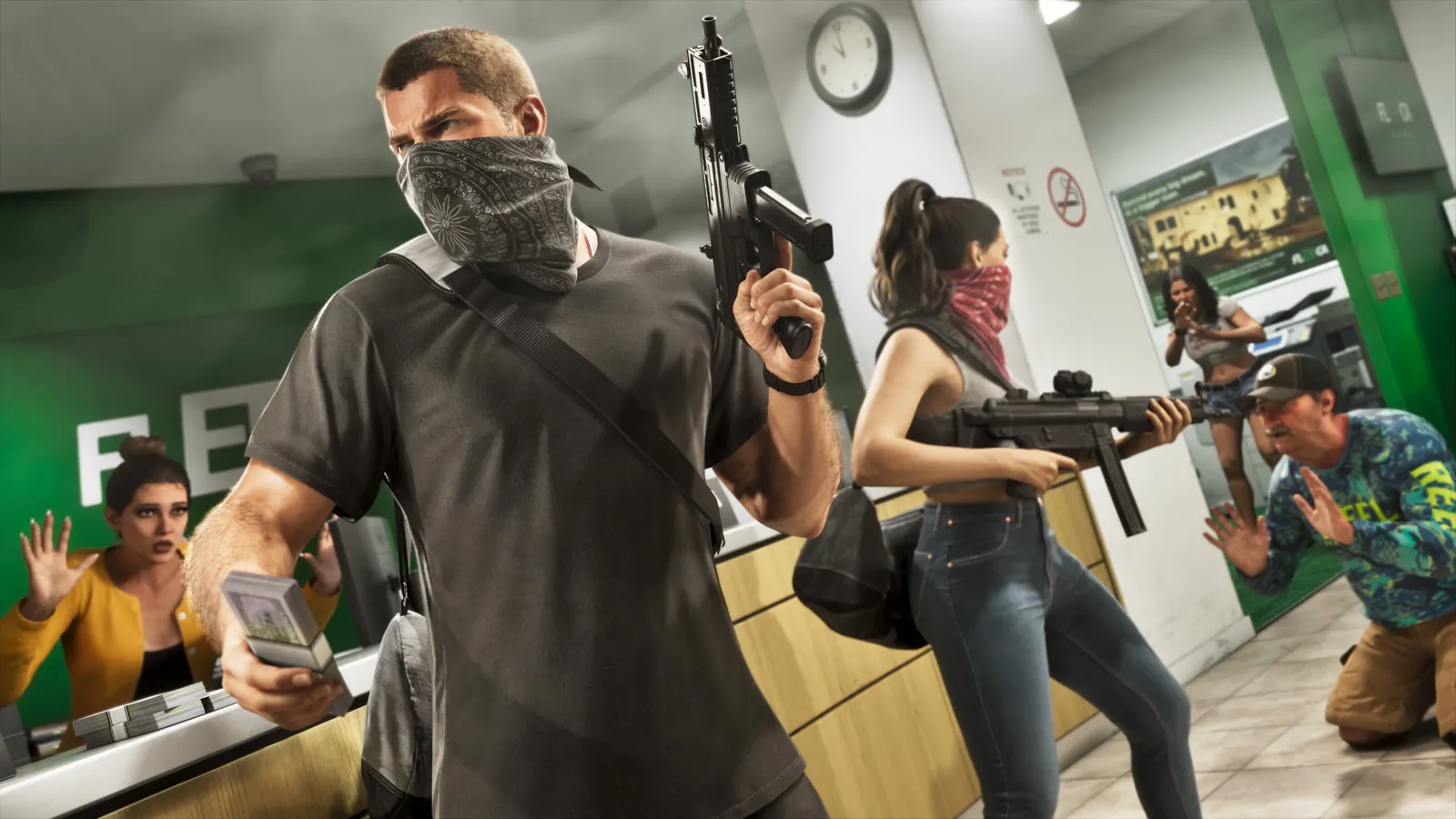 GTA 6 · GuideGTA 6 walkthrough: missions by chapterBrowse the GTA 6 story missions across five chapters. Find your current objective by its in-game title, starting with Lucia in the Prologue.
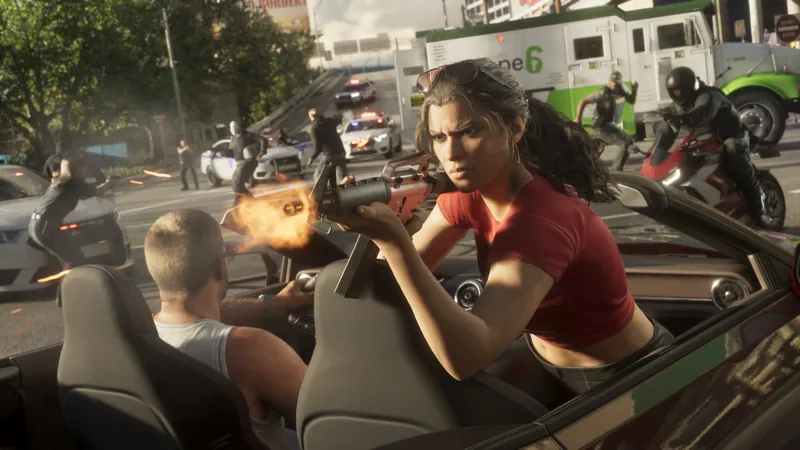 GTA 6 · GuideGTA 6 review: Jason, Lucia and life beyond Vice CityThe slower opening in the Keys pays off in Leonida, where Jason and Lucia give Rockstar’s vast world a personal centre. The verdict is...