
How to Create a GTA 6-Style Cover With AI
Learn how to turn your selfie into a GTA 6-style comic cover or loading-screen image using ChatGPT or Gemini prompts, while keeping the result text-free.
Contents 7
Setting Up Your Source Photo
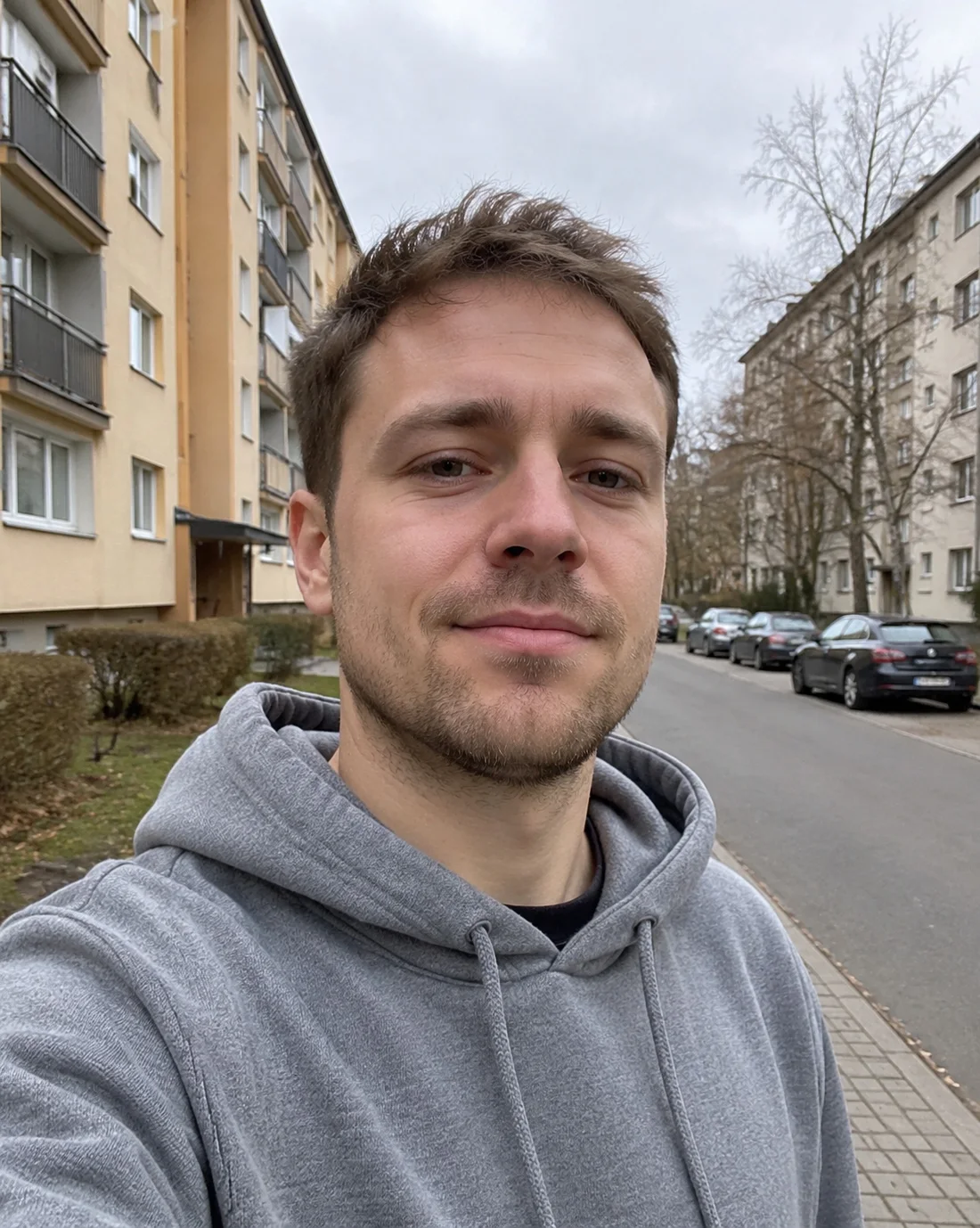
A well-lit source photo helps image models preserve facial features across multiple illustrated panels.
- Avoid using the trademarked term GTA in your prompt to reduce the chance of refusals or distorted logos.
- Use a clear, front-facing daytime selfie without sunglasses for better facial likeness across panels.
- A 6-panel grid style can produce a more cohesive illustrated look than a single-frame widescreen image.
Take a straightforward, front-facing portrait in natural daytime lighting. Remove sunglasses, hats, and heavy filters, as these can make the model drift from your likeness.
Crafting the Multi-Panel Grid Prompt
Many image models flag or refuse direct requests containing game titles like GTA. Instead, describe the visual style through comic-book ink lines, bold panel separations, cel-shading, and a vibrant sunset palette.
Specify a six-frame collage grid. Instruct the model to keep the exact likeness, hairstyle, and facial hair of the reference photo on the main subject while making other characters fictional.
- Upload your clean reference selfie to ChatGPT or Gemini.
- Request an illustrated 6-panel comic collage layout with bold outlines, dramatic black panel borders, and neon pastel sunset tones.
- Explicitly state that the main subject in key panels must share the face, hairstyle, and beard of the uploaded photo.
- Add strict negative rules: specify no text, no game logos, and no lettering on vehicles or signage.
Comparing Model Results: GPT Image vs. Gemini
In testing conducted on November 18, 2026, using the same base portrait, both GPT Image 2.6 and Gemini’s Nano Banana 2.1 generated convincing cover collages with different strengths.
GPT Image 2.6 rendered recognizable facial features across three separate panels while respecting the instruction to exclude text and logos. The model slightly altered the jawline, but kept the overall likeness cleanly.
Nano Banana 2.1 produced crisper comic-book ink lines and a tidy panel layout. However, it added text to scenery elements despite instructions to omit lettering. Adding a direct clarification that signs and vehicles contain no lettering may help in Gemini.
Loading Screen Variant and Typography Tips
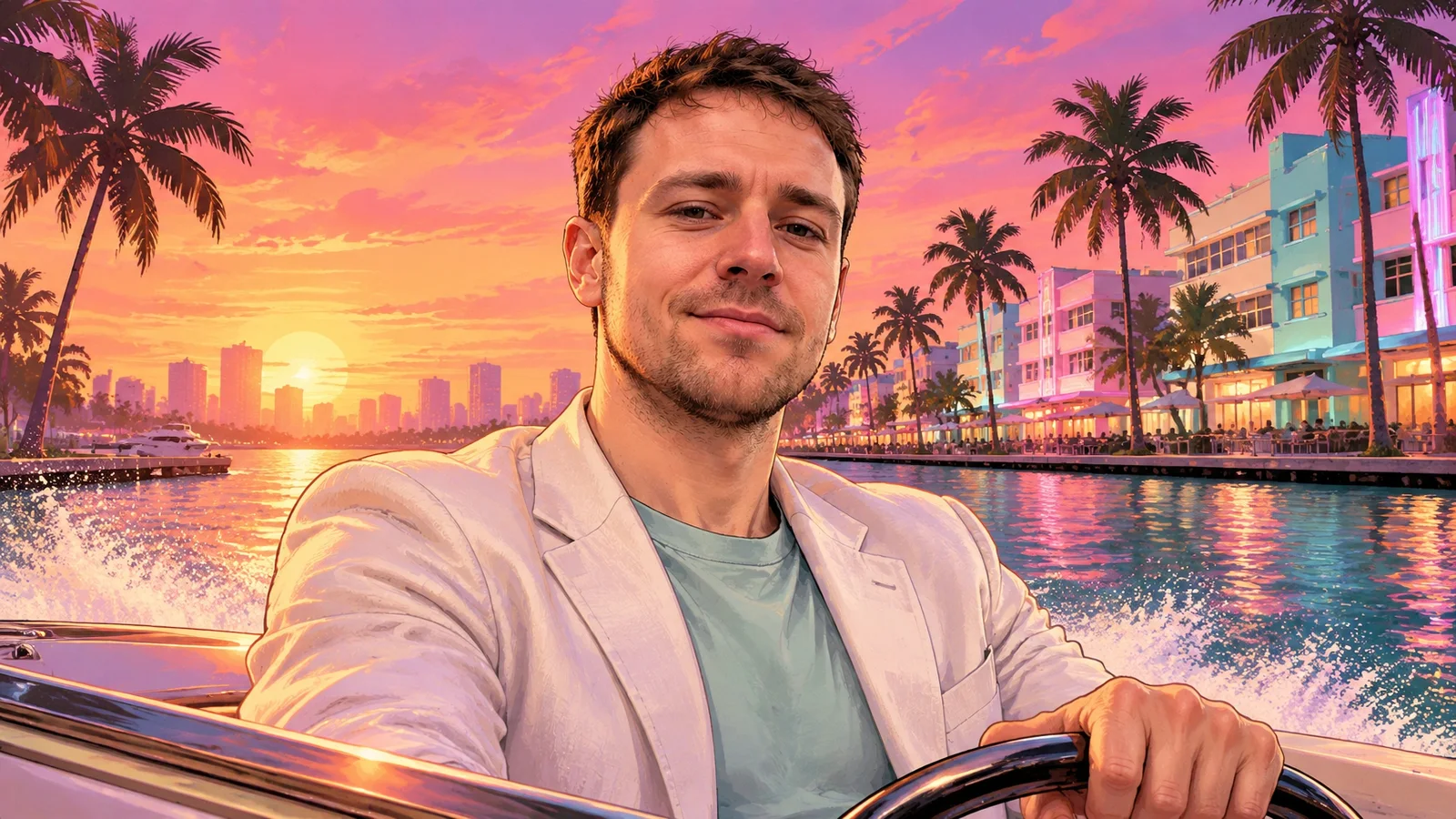
You can also create a single 16:9 widescreen composition modeled after a traditional game loading screen.
Single-frame renders can make the face look like a photographic cutout pasted over an illustrated background. To blend the image more smoothly, include an explicit instruction to paint the subject’s face in the same cel-shaded, illustrated style as the environment.
If you want stylized game text or titles on the finished image, leave them out of the generation prompt. Image models often scramble typography. Export the clean illustration first, then add the text in a separate image editor.
Pricing and Permitted Usage
Both tools support image generation on free and paid tiers. As recorded on November 18, 2026, ChatGPT Plus costs $20 per month, while Google AI Pro through Google One costs $19.99 per month. Free tiers offer access with lower daily limits.
Keep these creations for personal profiles and private fan art. Do not use protected trademarks or official logos for commercial advertising or paid merchandise.
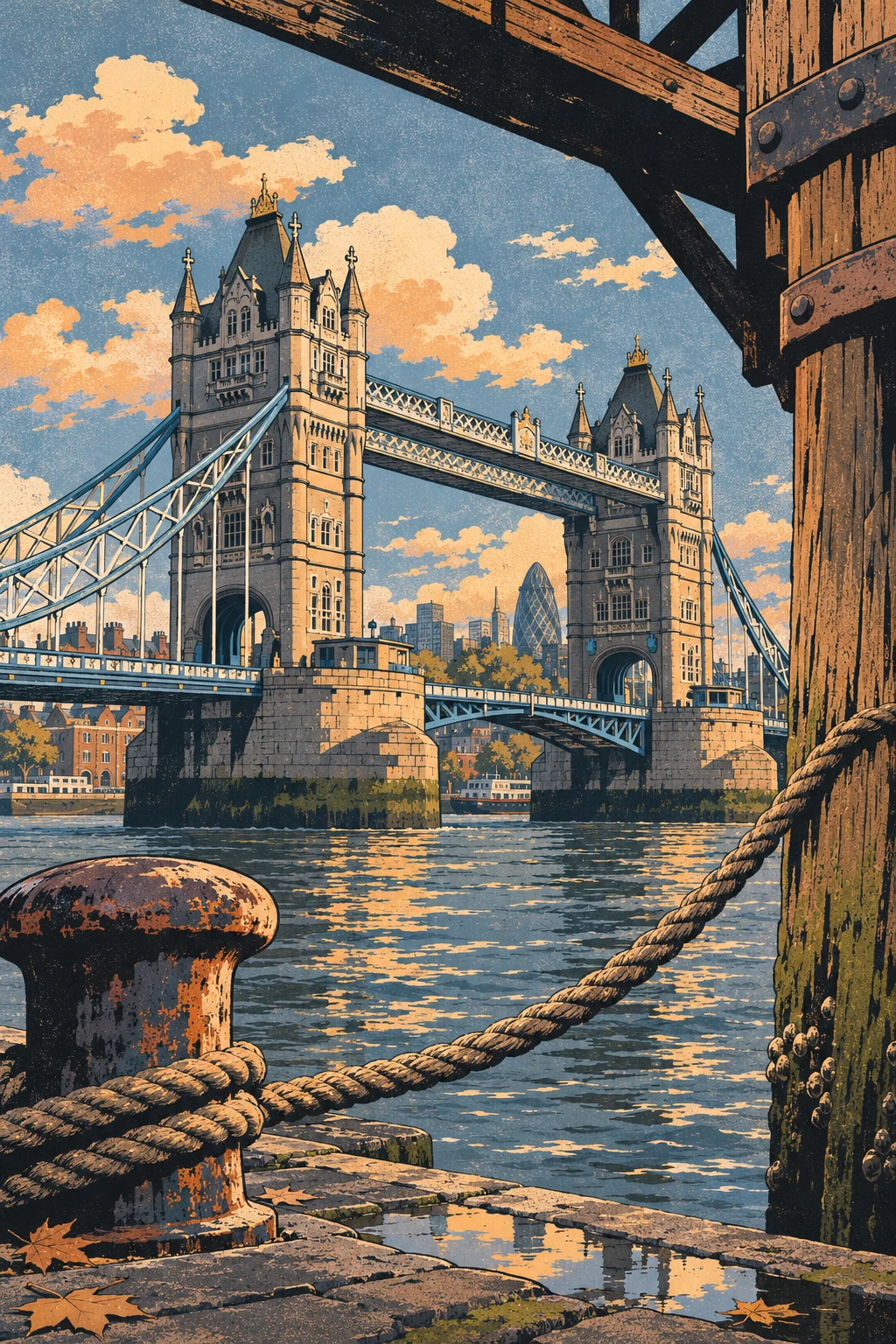
London. A cover built around Tower Bridge
Place a mooring rope close to the lens and leave a strip of open water beneath the bridge. The two towers should stay distinct when the picture is reduced to a phone thumbnail.
Use my own photo only as a reference for clothing and stance. Place a fictional figure seen from behind on the riverside, beneath the line of Tower Bridge. Frame the towers beyond the Thames with a mooring rope on the left. Draw a vertical ink illustration with hard-edged shadows. No recognisable faces, words, lettering or logos.
Frequently asked questions
Why does the AI refuse my prompt when I mention GTA 6?
Image tools may refuse trademarked game names or logos. Describe the look with generic terms such as comic panels, bold outlines, and pastel sunset colors instead.
How can I fix realistic face textures clashing with the cartoon background?
Add a clear instruction to render the subject’s face in the same illustrated, cel-shaded style as the background rather than preserving photographic skin texture.
Can I add title logos directly inside the AI prompt?
It is usually better not to include title text in the prompt. Image models can distort lettering, so generate a text-free cover first and add clean typography afterward in a separate editor.
Unofficial site, not affiliated with Rockstar Games or Take-Two Interactive.
Read next
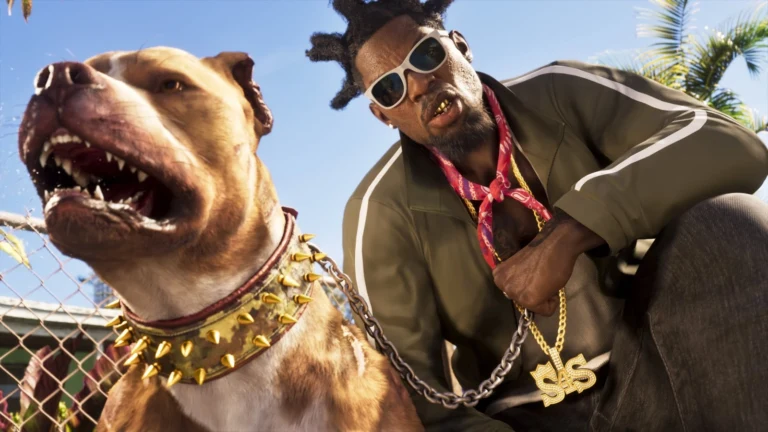
 GTA 6 · GuideGTA 6 Map - Interactive Map of Vice City and LeonidaExplore the GTA VI map by location name or category. Find Vice City, garages, safehouses and collectibles, open a pin and keep track of...
 GTA 6 · GuideGTA 6 walkthrough: missions by chapterBrowse the GTA 6 story missions across five chapters. Find your current objective by its in-game title, starting with Lucia in the Prologue.
 GTA 6 · GuideGTA 6 review: Jason, Lucia and life beyond Vice CityThe slower opening in the Keys pays off in Leonida, where Jason and Lucia give Rockstar’s vast world a personal centre. The verdict is...
