
GTA 6 Pet Art with AI: Prompts and Generator Test
Turn your dog or cat into a GTA 6 style loading screen character using ChatGPT or Gemini with tested image prompts and generator tips.
Contents 6
Setting Up the Pet Photo
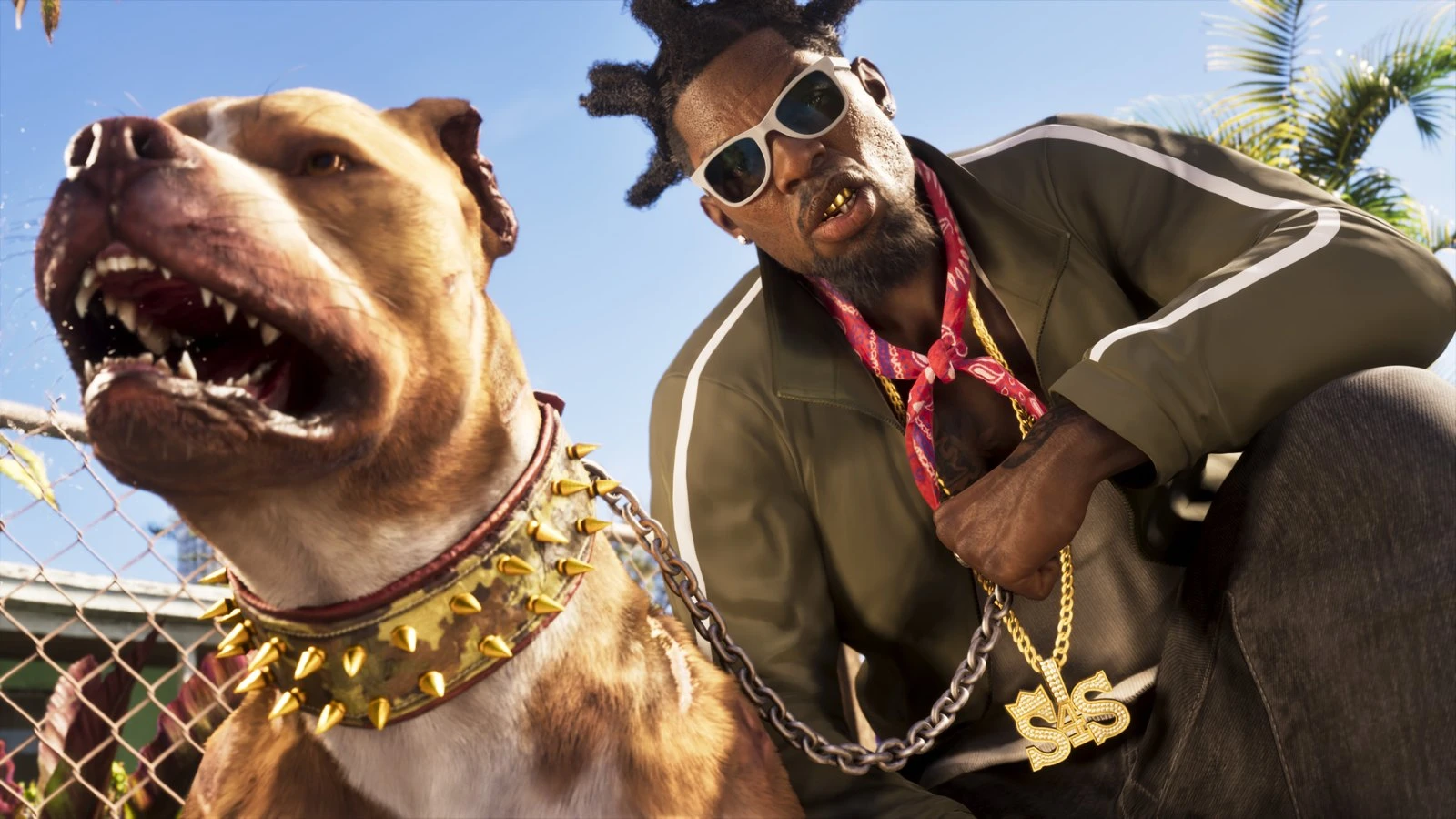
Transforming your dog or cat into a Grand Theft Auto loading-screen illustration starts with a solid reference photo uploaded into an image generator such as ChatGPT or Gemini. The reference photo is the base for the pet’s distinct features.
- Use a clear, daylight, eye-level photo showing your pet’s complete face, ears, and distinct markings.
- Prompt the model to keep the exact coat colors and ear shape while applying a game loading-screen art style.
- Tested models like GPT Image 2.6 and Nano Banana 2.1 can keep recognizable pet features with Vice City-inspired aesthetics.
For best results, use an eye-level photo taken in daylight. Make sure the pet’s full snout, face markings, and ears are clearly visible. Blurry action shots or low-light photos reduce how well the model carries over specific fur patterns.
The Tested GTA-Style Prompt
Once your reference image is uploaded, craft a prompt that tells the AI tool to preserve the animal’s physical identity while changing the scene, props, and art style.
You can adapt the exact prompt structure used in comparative testing on November 18, 2026:
- Upload your pet’s daylight reference photo.
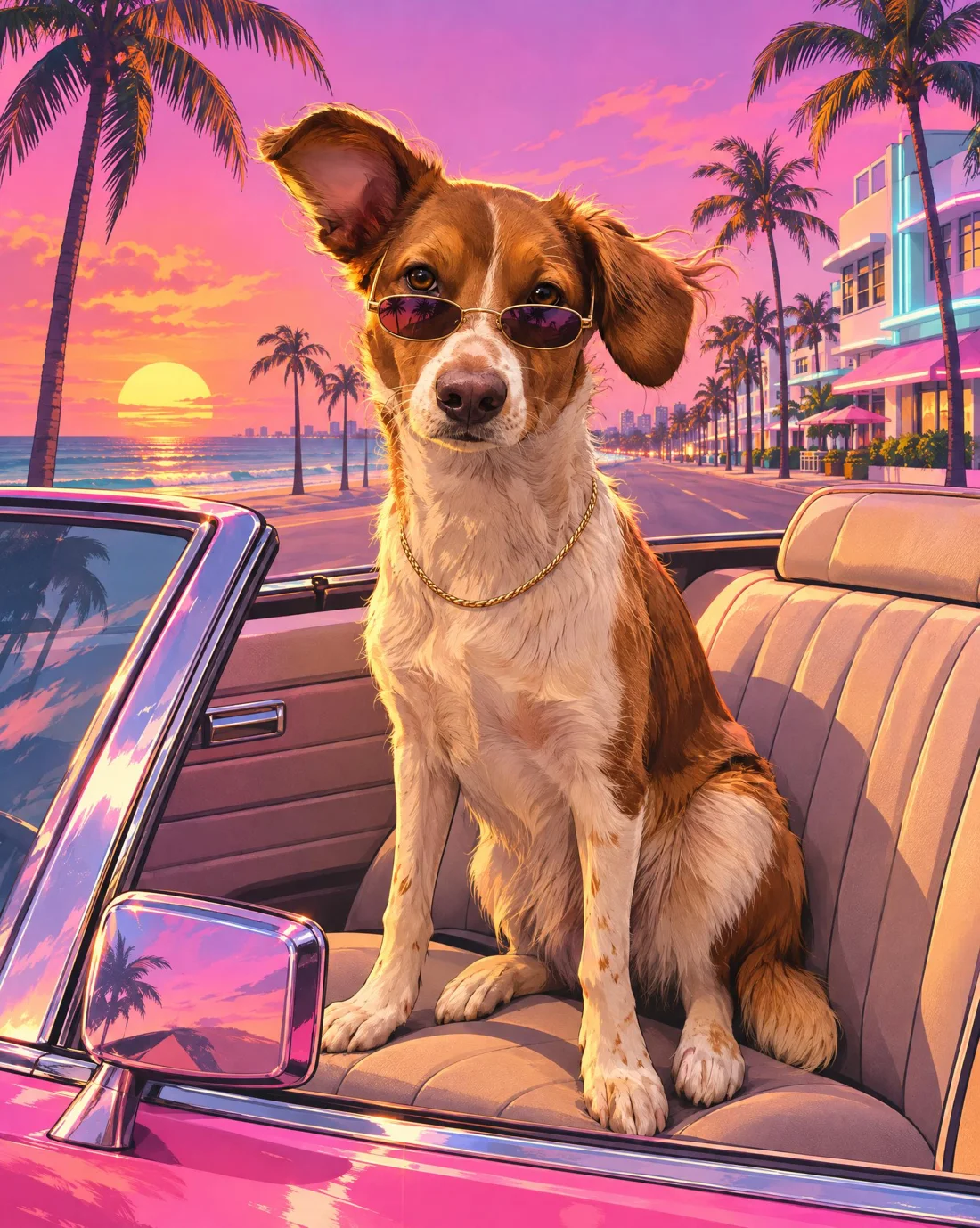
- Paste the prompt: Keep this exact dog from the attached photo: coat pattern, colors, and floppy ear. Turn it into a game loading-screen character: sitting in the passenger seat of a pink 1980s convertible, wearing small sunglasses and a thin gold chain, ears blowing in the wind, with palm trees and a beach boulevard at sunset behind it. Style: semi-realistic digital illustration, thick outlines, pastel palette of pink, purple, orange, and turquoise. No text or logos.
- Run the generation and review how closely it matches the pet’s features.
Model Test Results: GPT Image 2.6 vs Nano Banana 2.1
Testing the prompt with GPT Image 2.6 in a 4:5 aspect ratio produced strong visual continuity. The generated dog kept its coat pattern, white blaze on the snout, and floppy ear. The sunglasses and gold chain fit naturally, and the dog was positioned in the passenger seat.
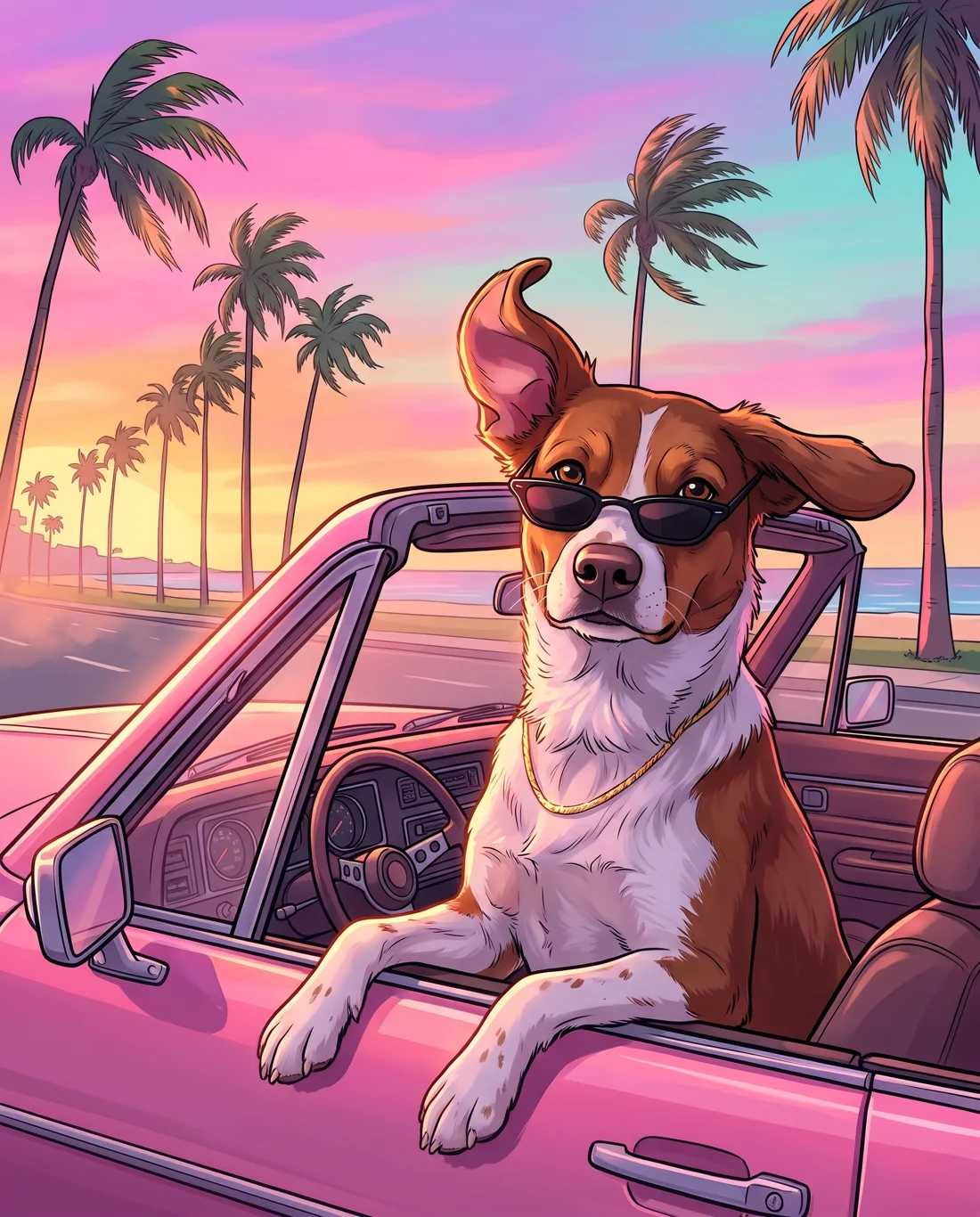
The same prompt in Nano Banana 2.1 produced a more comic-book look with a dynamic pose, with the dog resting its paws on the car door. However, the model ignored the seat instruction and placed the pet behind the steering wheel instead of the passenger seat. It was less faithful to the prompt instructions.
Alternative Concepts and Variations
The prompt template works well across other animal subjects and Vice City-inspired themes. Swapping the subject and scene details allows for a range of themed outputs:
Try casting a cat as a crime boss lounging by a pool in a Hawaiian shirt, placing a dog on a jet ski pursued by a police boat, or depicting a hamster piloting a speedboat in an eighties sport coat. You can also generate a six-panel grid mockup by adapting multi-frame character prompts and replacing human references with your pet.
Costs and Service Tiers
Free tiers in ChatGPT and Gemini allow for a small number of daily image generations. For higher volume, ChatGPT Plus costs 20 USD per month from OpenAI, while Google AI Pro through Google One costs 19.99 USD per month as of November 18, 2026.
For developers accessing image editing through API calls, running GPT Image 2.6 high-tier 2K edits via WaveSpeed was priced at 0.135 USD per image on the same date.
Frequently asked questions
Does this AI prompt work for cats?
Yes. Change “dog” to “cat” in the prompt. When generating cats, it helps to specify eye color, since image models may change it if you leave that out.
What should I do if the generated animal does not look like my pet?
Upload a second photo from another angle and describe identifying features in the prompt, such as a white blaze on the muzzle or a folded left ear.
Can I sell merch made with these generated pet images?
You can print them for personal use like stickers or shirts. If you sell items, do not use the GTA name, official game titles, or trademarked logos.
Unofficial site, not affiliated with Rockstar Games or Take-Two Interactive.
Read next
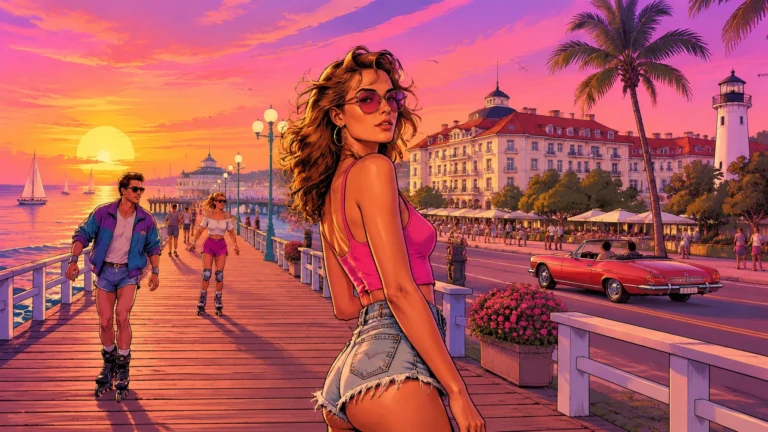
 GTA 6 · GuideGTA 6 Map - Interactive Map of Vice City and LeonidaExplore the GTA VI map by location name or category. Find Vice City, garages, safehouses and collectibles, open a pin and keep track of...
 GTA 6 · GuideGTA 6 walkthrough: missions by chapterBrowse the GTA 6 story missions across five chapters. Find your current objective by its in-game title, starting with Lucia in the Prologue.
 GTA 6 · GuideGTA 6 review: Jason, Lucia and life beyond Vice CityThe slower opening in the Keys pays off in Leonida, where Jason and Lucia give Rockstar’s vast world a personal centre. The verdict is...
