
GTA 6 Criminal Profile: How to Check Jason’s and Lucia’s Rating
Where to find Jason's and Lucia's separate profiles, what Irredeemable means and how this lasting rating differs from the stars of your current chase.
Contents 5
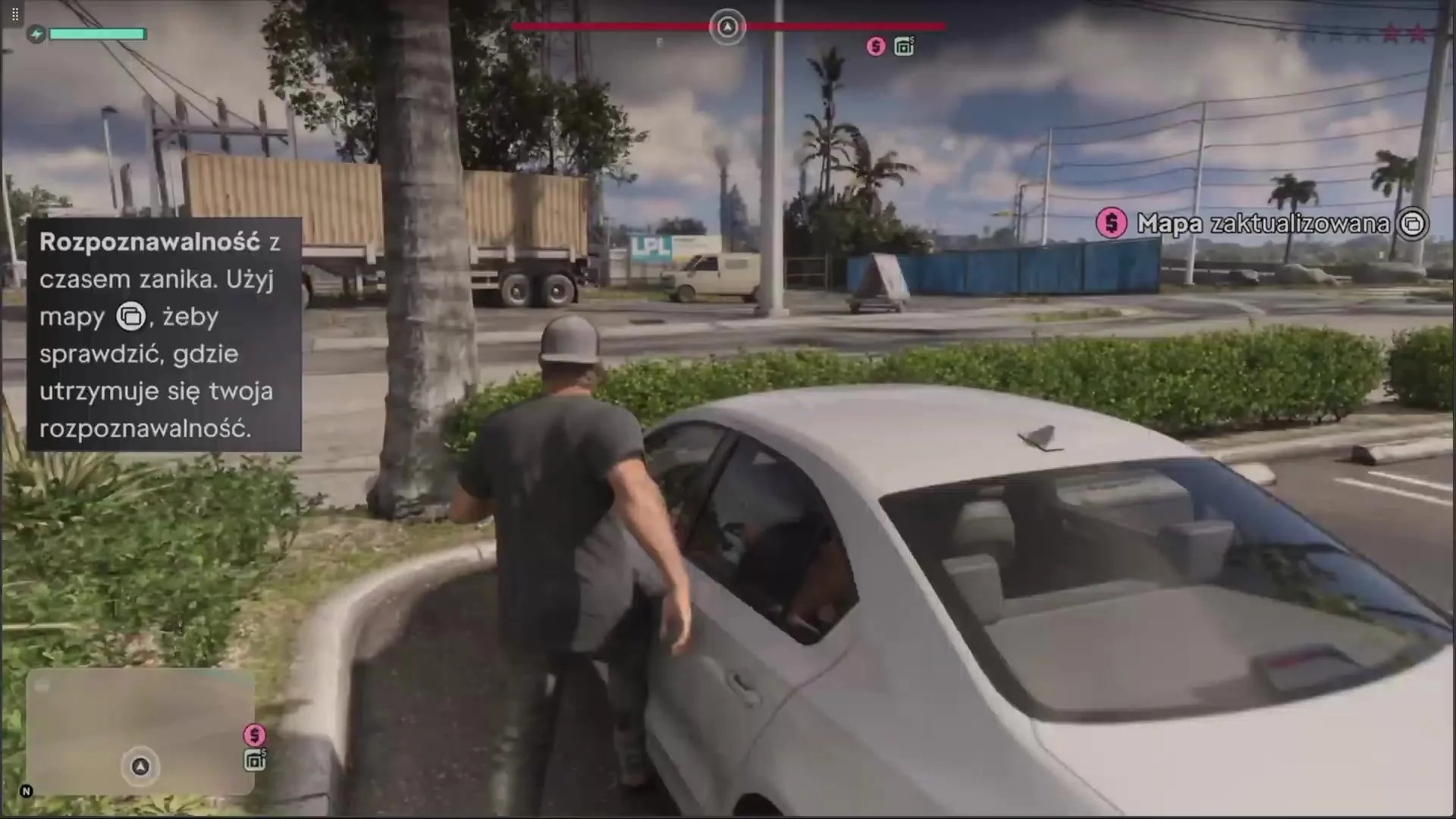
Open the map and use the top-left controller button, L1 or LB, to switch to the Jason & Lucia tab. Pick a character. At the top of their card you'll see their current criminal profile. Jason and Lucia have separate ratings, so the result may differ after you switch characters.
- Open the map and use the top-left controller button, L1 or LB, to switch to the Jason & Lucia tab. Pick a character. At the top of their card you'll see their current criminal profile. Jason and Lucia have separate ratings, so the result may differ after you switch characters.
- The first four ratings can still change. If you want to keep the earlier state from before the permanent threshold, make a separate manual save before experimenting with campaign choices.
Five names on the character card
The game uses, in order, the names Professional, Hardened, Violent, Psycho and Irredeemable. The rating reflects how the character has behaved so far. For example, settling fights without casualties favors the first profiles. This clears up a common post-mission question: ending a chase removes the stars, but you can still see the same profile name on the card.
What the Irredeemable threshold changes
Within the first four ratings, the character's behavior can still move the result. According to testing by PC Gamer and PowerPyx, the final state, Irredeemable, is permanent for that character. Police response matters too: at high brutality, you can't really count on being able to surrender. The profile also affects which actions build up the character's focus.
Does the color of the stars show my profile?
No. Stars and notoriety markers describe your current wanted status. You can check the profile name on each character's card; during gameplay, holding right on the D-pad also shows its icon.
Does a single fight decide the rating for the rest of the game?
The first four ratings can still change. If you want to keep the earlier state from before the permanent threshold, make a separate manual save before experimenting with campaign choices.
Related guides
Sources
- PowerPyx - rating names and where to find them in the menu
- PC Gamer - profiles and observations from a finished campaign
Frequently asked questions
Does the color of the stars show my profile?
No. Stars and notoriety markers describe your current wanted status. You can check the profile name on each character's card; during gameplay, holding right on the D-pad also shows its icon.
Does a single fight decide the rating for the rest of the game?
The first four ratings can still change. If you want to keep the earlier state from before the permanent threshold, make a separate manual save before experimenting with campaign choices.
Unofficial site, not affiliated with Rockstar Games or Take-Two Interactive.
Read next
 GTA 6 · GuideGTA 6 map - interactive Vice City and Leonida locationsThe GTA 6 map covers Vice City and the rest of Leonida. Enter a location name to narrow the pins, then zoom in before...
 GTA 6 · GuideGTA 6 walkthrough: missions by chapterBrowse the GTA 6 story missions across five chapters. Find your current objective by its in-game title, starting with Lucia in the Prologue.
 GTA 6 · GuideGTA 6 review: Jason, Lucia and life beyond Vice CityThe slower opening in the Keys pays off in Leonida, where Jason and Lucia give Rockstar’s vast world a personal centre. The verdict is...
