
Batch Size (Number of Images)
Batch size determines how many image variations the generator produces from a single prompt. Each image receives a distinct seed value, allowing you to explore different angles, compositions, and details simultaneously. It is the fastest way to evaluate how reliably a prompt performs before refining a specific concept.
Also known as: n, num_images, numberOfImages, batch_size, --repeat
Side-by-side test results
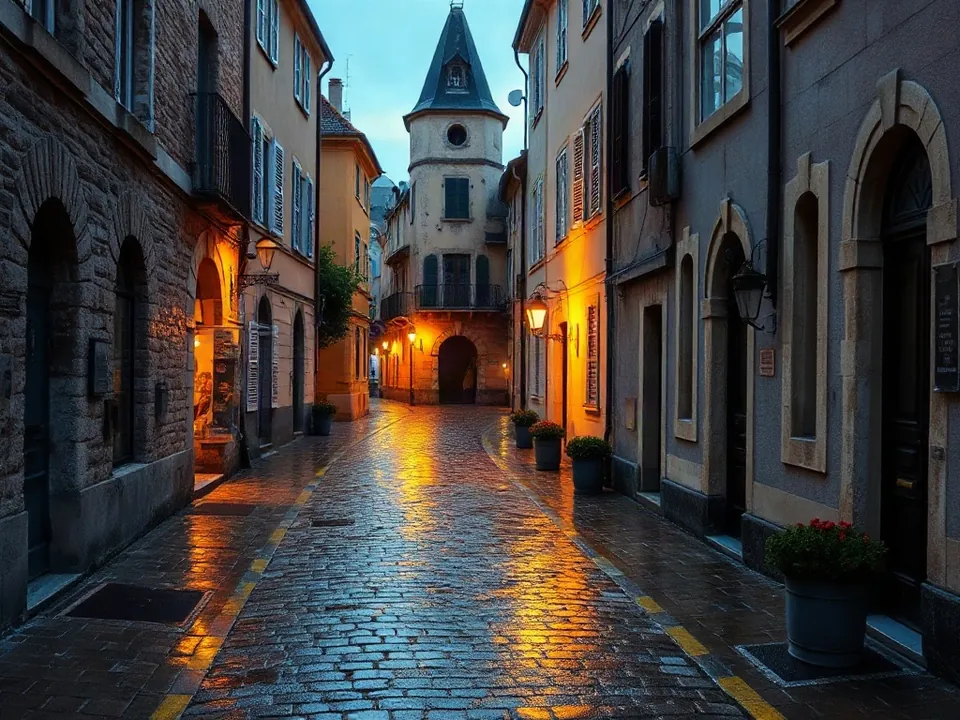
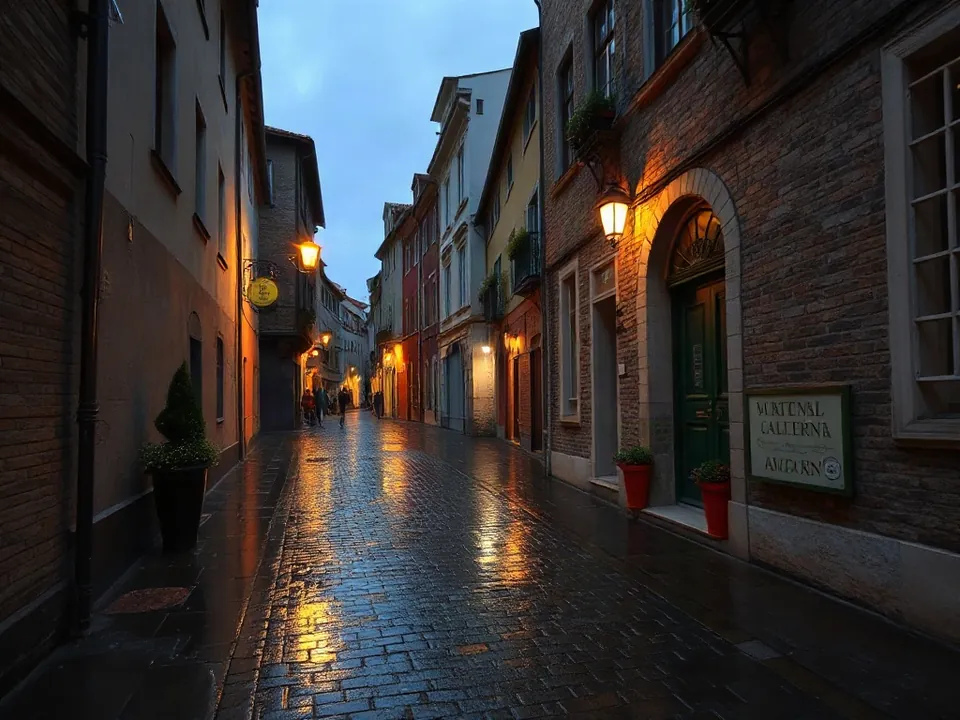
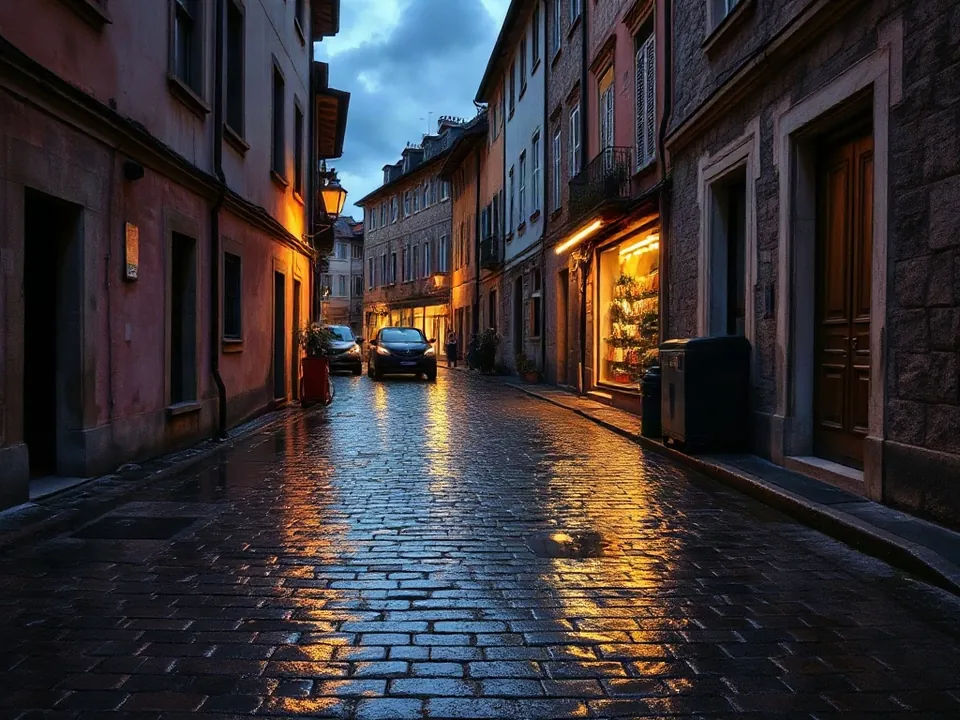
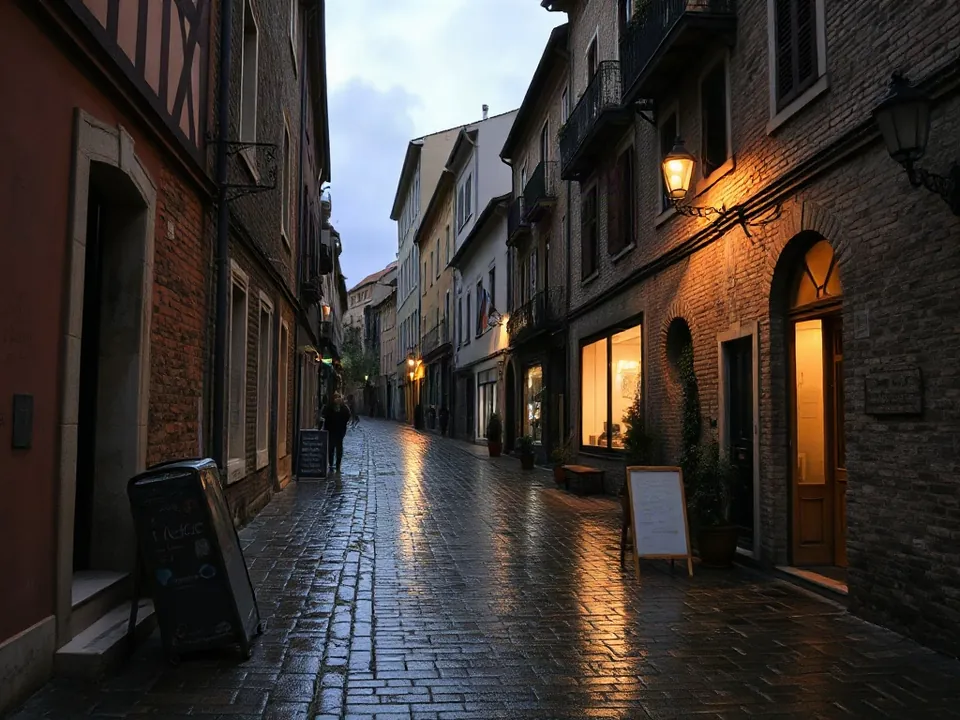
Model: FLUX.1 [schnell] (przez API fal.ai). Settings: num_images = 4, seed 1411, single request. Date: 14.11.2026.
Prompt: a narrow cobblestone street in an old european town after rain, reflections on the stones, evening, photo
I ran a single prompt with a fixed starting seed, and the system returned four distinct street scenes in 3.3 seconds. Because the generator incremented the seed sequentially for each slot, every image in the set remains completely reproducible. Remember that hosted platforms bill for every generated image individually, even when processed inside a single batch.
Syntax across generators
| Generator | Parameter | Values | Default |
|---|---|---|---|
| Ideogram | num_images | 1-8 (Nano Banana 2 reframe: 1-4) | 1 |
| GPT Image | nSVG only with n=1 | maximum unconfirmed (API reference 403) | 1 |
| Seedream* | sequential_image_generation + max_imagesNieobsługiwane w 5.0 pro i flash; działa w 5.0 lite, 4.5, 4.0 | disabled / auto; max_images 1-15; input images + output images <= 15 | disabled |
| Imagen (retired) | sampleCount | 1-4 | none specified |
| Qwen-Image | nIn OpenAI-compatible mode it must be a number, not a string | 1-6 | 1 |
| ComfyUI | batch_size (EmptyLatentImage) - range unconfirmed | - | - |
| Midjourney* | none (always 4 grid) ; --repeat multiplies tasks | Draft V8.1/V8.2: 24 images per prompt | 4 |
| FLUX | none (1 image per task) | - | - |
| Stability AI (SD 3.5) | none (1 image per task) | - | - |
* Midjourney: docs.midjourney.com blocks automated scrapers, so values are sourced from search engine indexes. Please verify settings on the official Midjourney site before production use.
- Sources, verified on 14.11.2026:
- Ideogram: developer.ideogram.ai/openapi/ideogram-api-v2.json
- GPT Image: developers.openai.com/api/docs/guides/image-generation
- Seedream: docs.byteplus.com/en/docs/ModelArk/1541523
- Imagen: docs.cloud.google.com/vertex-ai/generative-ai/docs/image/ge...
- Qwen-Image: www.alibabacloud.com/help/en/model-studio/qwen-image-genera...
- ComfyUI: raw.githubusercontent.com/comfyanonymous/ComfyUI/master/nod...
- Midjourney: docs.midjourney.com/hc/en-us/articles/35577175650957-Draft-...
- FLUX: docs.bfl.ml/api-reference/utility/generate-an-image-with-fl...
- Stability AI: docs.stability.ai/api-reference/generate/stable-diffusion-3...
When to use it
- Starting work on a new prompt, where viewing four variants at once reveals whether your styling keywords are stable
- Preparing initial design concepts for a client, such as storefront mockups for a bakery in Manchester or a cafe in Seattle
- Exploring broad compositional ideas quickly without constantly retyping the prompt
Common mistake
Generating a single image and immediately modifying your wording whenever the result looks slightly off. A single output is often just random chance governed by a rogue seed. Reviewing a batch of four reveals what your prompt actually directs versus what was simply an accidental artifact.
Ready-to-use example
OpenAI Images API:  "n": 2
Ideogram:  "num_images": 4 (range 1-8)
ComfyUI:  Empty Latent Image -> batch_size = 4
Midjourney:  always 4 images by default; --repeat 3 repeats the entire job
Frequently asked questions
How many images does Midjourney generate at once?
Midjourney generates four images by default in a standard 2x2 grid. If you need more variations automatically, the --repeat parameter queues and runs the entire job multiple times in sequence.
What is the difference between batch count and batch size in Stable Diffusion?
Batch size renders multiple images simultaneously in parallel, which relies heavily on available graphics memory. Batch count generates images sequentially one after another, requiring less memory while taking proportionately longer to finish.
Does increasing the batch size use up more credits or tokens?
Yes. Most commercial AI platforms and APIs charge on a per-image basis. Requesting a batch of four images will consume four times the credits or cost compared to a single output.