A UK creator’s guide to preparing a sponsored livestream

Contents 6
Before I agree to a sponsored livestream for a UK audience, I want the show time, the advertising label and the rights for the replay in writing. Those decisions shape the running order, the equipment list and the clips a brand can use afterwards.
Six resources for a UK livestream
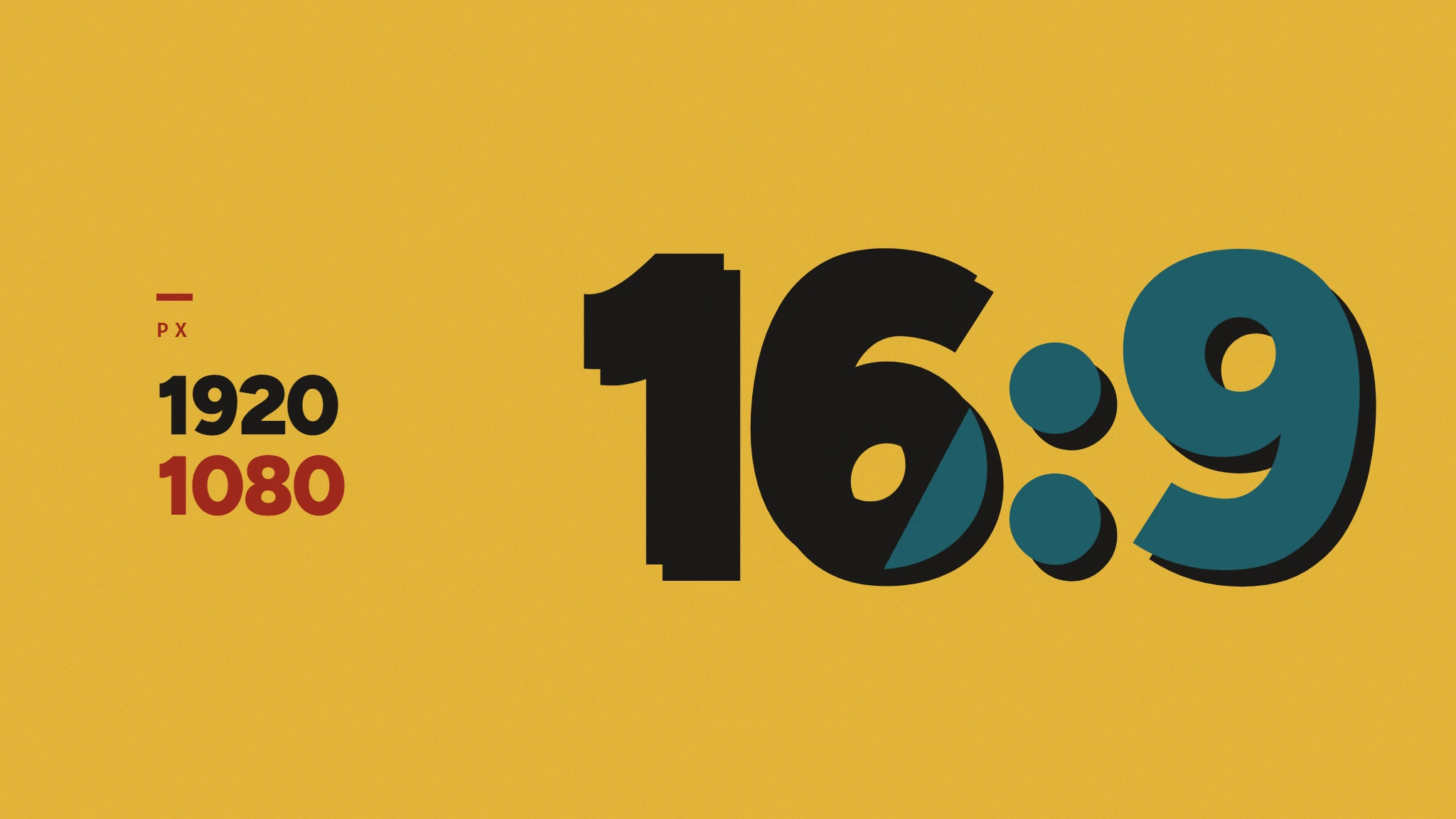 Aspect ratio calculator: resize an image without stretching it
Check a sponsor card and captions at phone size before asking the brand to approve the final crop.
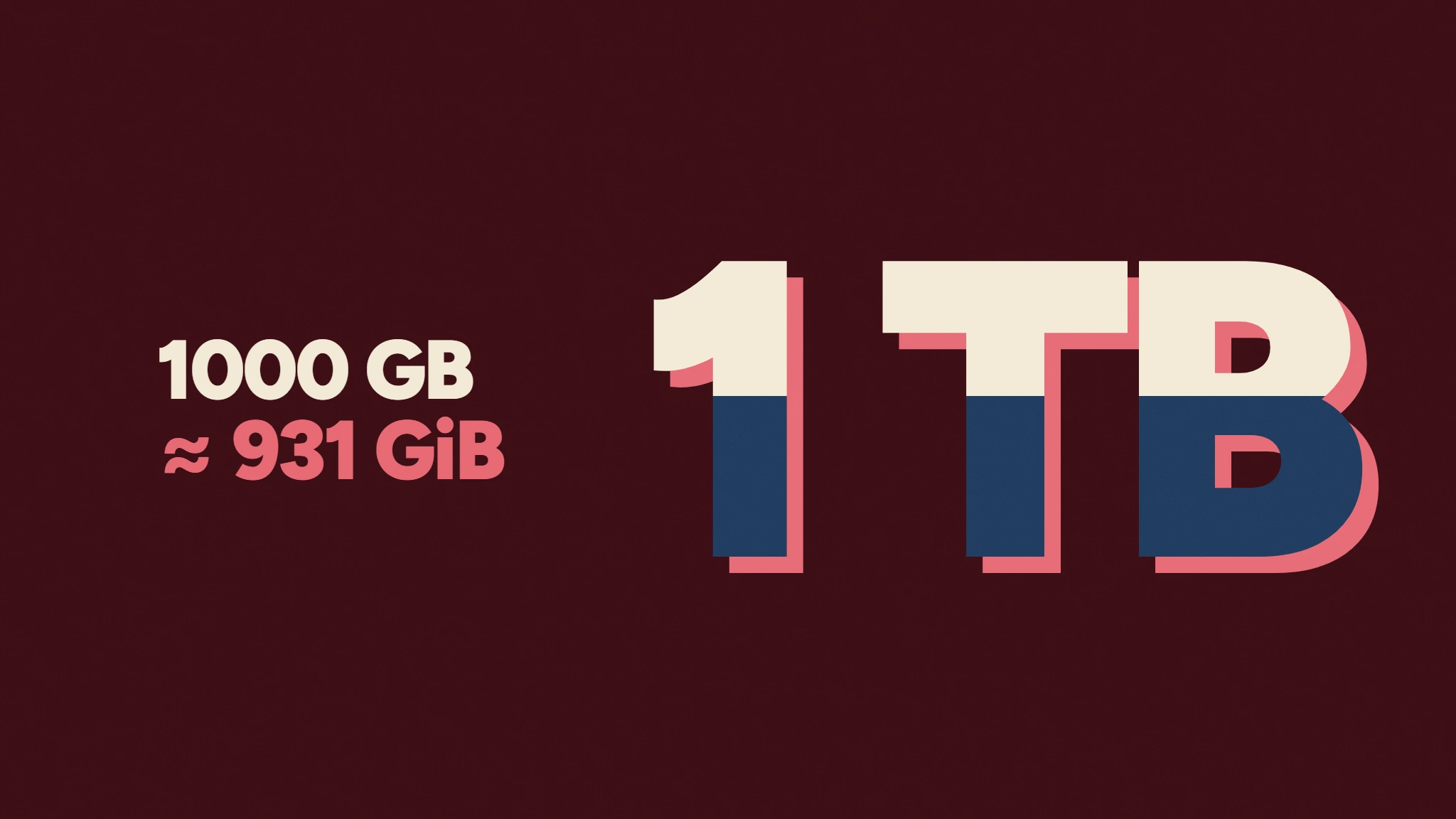 Disk capacity calculator: why 1 TB shows as 931 GB
Reserve space for the clean recording and for the replay with graphics. These files serve different editing jobs.
 How to Stream GTA 6 from PS5 and Xbox: Three Setups for Twitch and YouTube
Test your microphone over game audio and export a short clip before agreeing to deliver stream highlights.
 How to Create a GTA 6-Style Cover With AI
Check the rights to the source photo before making a thumbnail for a brand campaign.
 AI API cost calculator: what you pay per month for each model
Estimate the cost of generating caption drafts and chapter summaries. Keep the supplier currency in the budget.
 Making GTA 6-Style Radio Tracks in Suno
Use the radio walkthrough to brief the soundtrack, then check the recording and composition licences for the replay.
Put British time in the running order
A calendar invitation can convert the time for a guest. A graphic only shows the words printed on it. I schedule the broadcast in Europe/London and put GMT or BST beside the date and time on the announcement. When a guest works abroad, I send a calendar invitation as well as the graphic and ask them to check the time on their device. A saved announcement from the previous series is an easy place to miss the switch.
Keep the advertising label with the recommendation
For UK audiences I consult ASA and CMA guidance when planning paid, gifted or affiliate content. Viewers should recognise an advert before engaging with it. A statement on the channel’s profile can be missed when a highlight appears in a different feed. I plan a clear, upfront label such as “Ad” for each relevant version.
A disclosure in the opening slate of a long stream may disappear from a clip cut from the middle. I review the clip as a separate promotion. In the production notes I record which products the brand supplied, any payment or commission, and the channels where the brand may reuse the recording. That record helps identify which clips need a correction if the offer changes.
Clear the music for the replay
Before routing a track into a broadcast I check the permission for the recording and the composition. A replay, a promotional clip and an advert are distinct uses to check against the licence. When speech and music are mixed into one track, a later change can mean recording the interview again. Keeping a clean voice track gives me a way to replace the music in the replay without losing the conversation.
Review the published cut on its own
After a test upload I play the start, a busy scene and the last minute on a phone. I check speech against game audio, subtitle placement, the ad label and the promised link. I also reopen the scheduled event while signed out. The editor sees a timeline and the sponsor a preview. The viewer will see a player with its own crop and controls.