
GTA 6 at 60 FPS on Xbox Series X? The Quick Resume glitch
Follow the original Series X Quick Resume sequence and compare the gameplay with a frame rate test. Here is what the TV counter actually tells you.
Watch for the six stars when GTA VI boots. That is when Meowwie64 changes the Xbox display setting. After a Quick Resume switch, Jason can move as if someone hit fast-forward. I checked how the player got the frame rate figure: it came from the TV’s counter.
- The original setup used a 120 Hz display and game version 01.002.001.
- Quick Resume can change the pace of the animations.
How to try the same sequence
The setup was an Xbox Series X, a 120 Hz display and GTA VI version 01.002.001. Variable refresh rate was enabled for games only.
- Set the Xbox output to 60 Hz, then launch GTA VI.
- When the six stars appear in the intro, open the console’s display settings and switch back to 120 Hz.
- Press the Xbox button and start another game from scratch. Leave GTA VI running.
- Return to GTA VI through Quick Resume. Compare Jason’s walking pace indoors with the speed of traffic outside.
KilLo Plus - GTA VI / Xbox Series X
Reading the TV counter
Meowwie64 reported roughly 45 to 100 on the TV. A display can refresh more than once per unique frame. I would judge this by the pace of movement and the frame-time graph in the Fuzion Xbox Testing footage below.
Sources
- Meowwie64: Original post and gameplay clip
- Second Xbox capture from the player
- Fuzion Xbox Testing: Series X gameplay and frame rate test
Frequently asked questions
Does this give me a locked 60 FPS?
The footage does not establish a steady 60. The reported reading varied by scene and animations could speed up.
Do I need VRR or a Series X?
The author used VRR on Series X. That test leaves VRR dependence, Series S behaviour and later patches open.
Unofficial site, not affiliated with Rockstar Games or Take-Two Interactive.
Read next
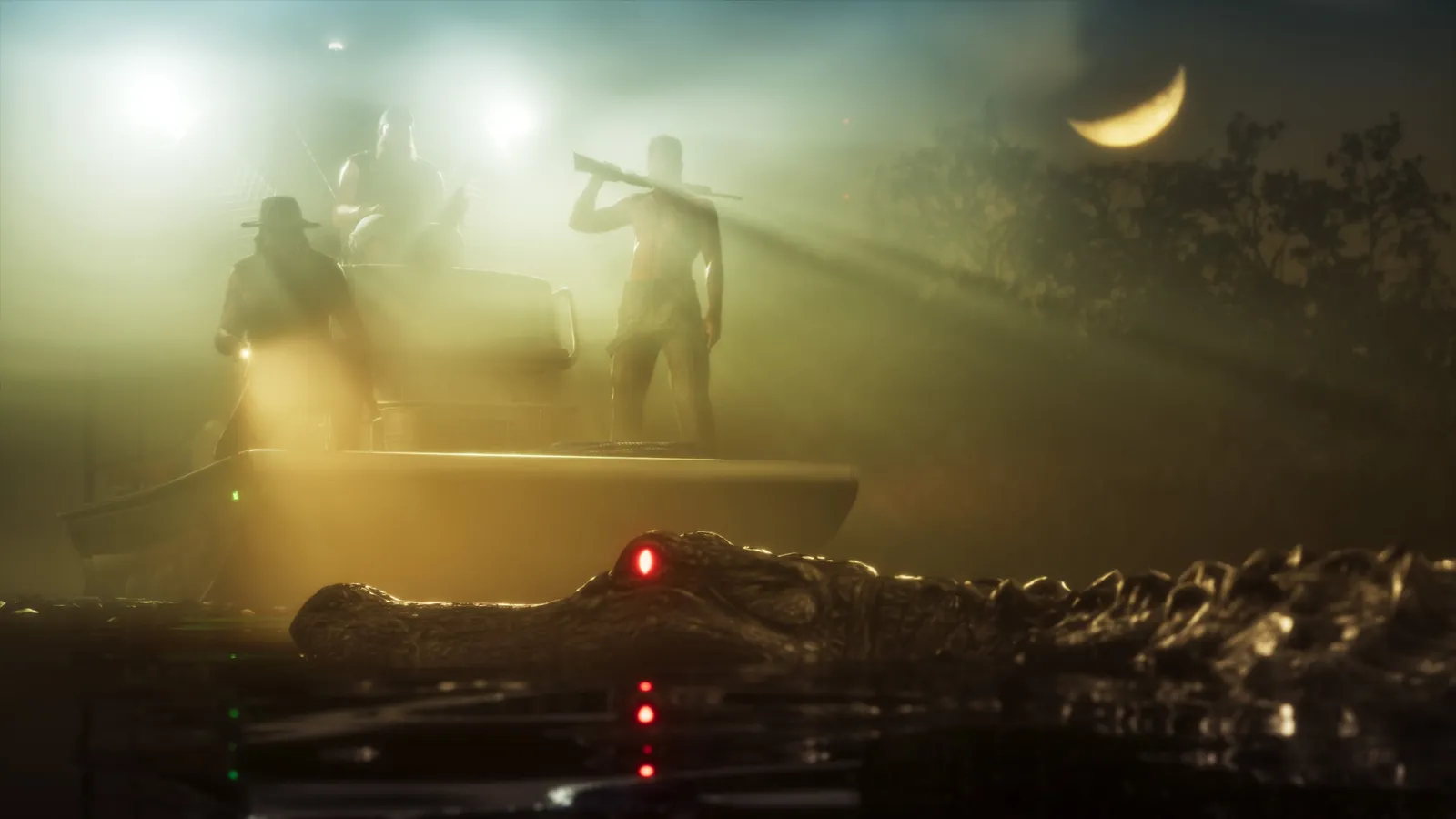
 GTA 6 · GuideGTA 6 map - interactive Vice City and Leonida locationsThe GTA 6 map covers Vice City and the rest of Leonida. Enter a location name to narrow the pins, then zoom in before...
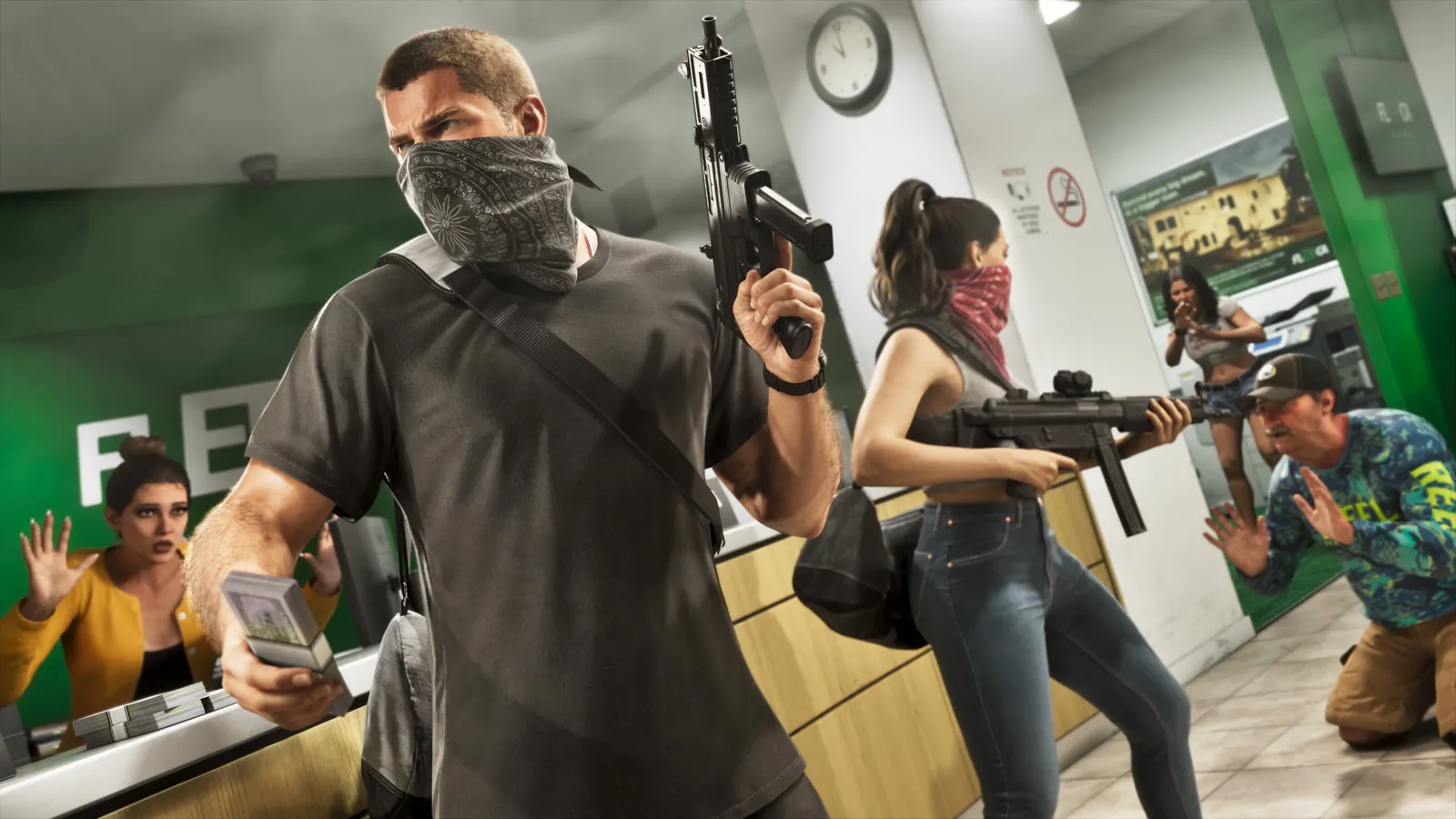 GTA 6 · GuideGTA 6 walkthrough: missions by chapterBrowse the GTA 6 story missions across five chapters. Find your current objective by its in-game title, starting with Lucia in the Prologue.
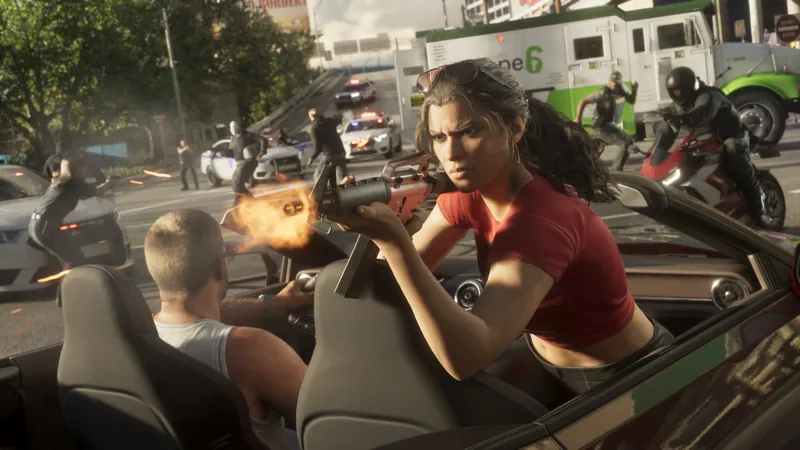 GTA 6 · GuideGTA 6 review: Jason, Lucia and life beyond Vice CityThe slower opening in the Keys pays off in Leonida, where Jason and Lucia give Rockstar’s vast world a personal centre. The verdict is...
Comments 0
Comments with profanity, insults or accusations against people or companies are reviewed manually before publishing. Spam is removed.
No comments yet. Be the first to comment.
