
GTA 6 AI Wallpapers: Prompts and Setup Guide
Download Vice City inspired AI wallpapers for desktop and mobile, with prompts, composition tips, and generation settings.
Contents 5
Generating Vice City-Inspired Wallpapers
Creating custom wallpapers styled after Vice City takes only a few precise instructions in tools like ChatGPT or Gemini. Rather than naming proprietary titles directly, AI models produce cleaner artistic output when prompted with descriptive visual cues: pastel sunset tones, neon accents, palm trees, bold outlines, and 1980s tropical coastal architecture.
- Specify screen aspect ratios (16:9 for desktop, 9:16 for mobile) directly in your AI generator prompt.
- Prompt for negative space at the top third of the canvas to keep system clocks and desktop icons clear.
- Avoid brand names or trademarks by describing pastel color palettes, neon accents, and fictional vehicles.
Official wallpapers containing copyrighted emblems, character models, and logos are hosted on the Rockstar Games website download section. The assets discussed here are community-created fan imagery produced via generative AI models.
Desktop Wallpapers and Prompt Breakdown
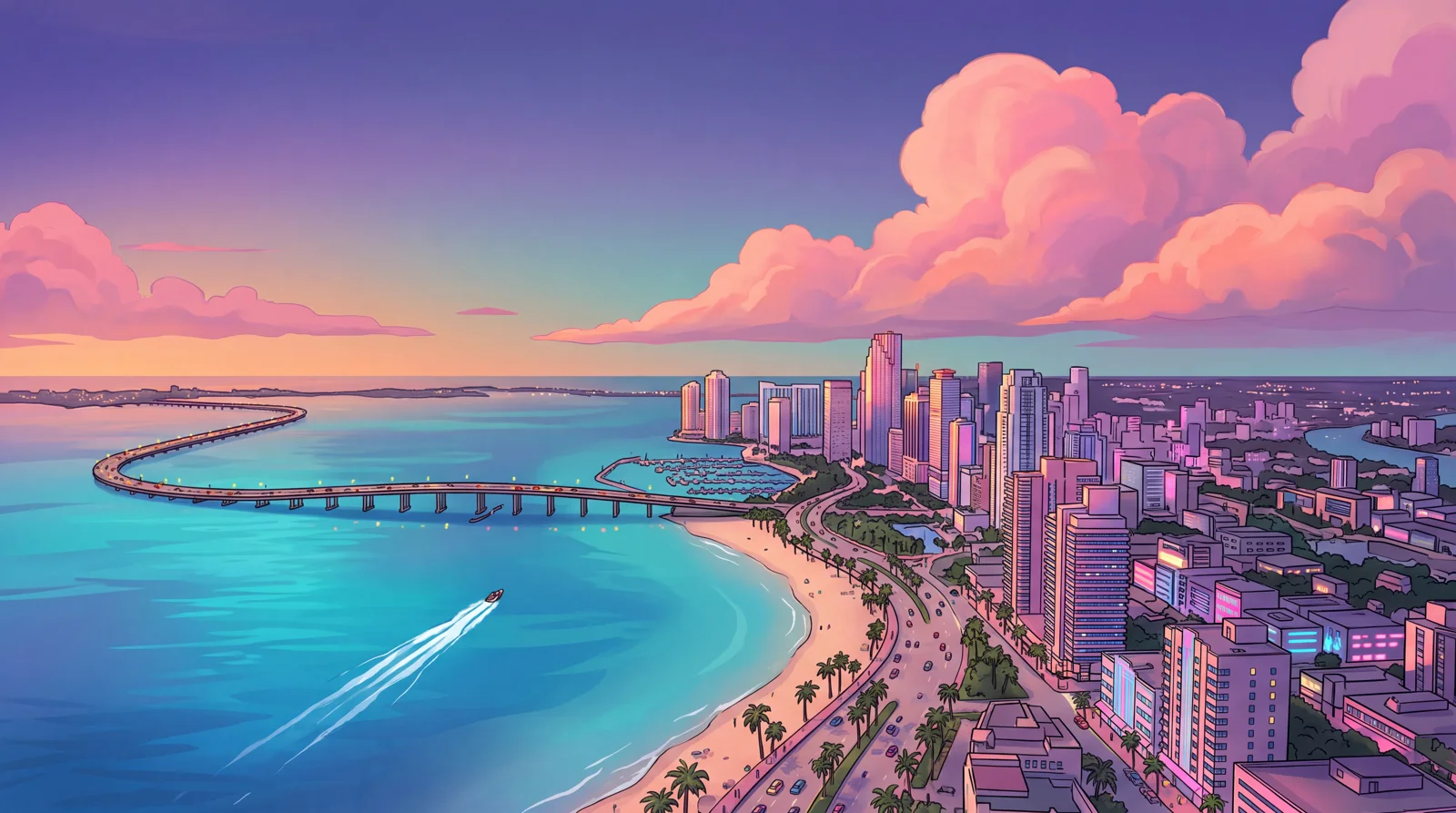
The first desktop concept focuses on a bayfront skyline at 5504 x 3072 resolution, generated via Nano Banana 2.1 in 4K mode. This setup reserves clear sky across the upper section of the canvas, preventing desktop folder icons and shortcuts from being obscured by high-contrast building silhouettes.
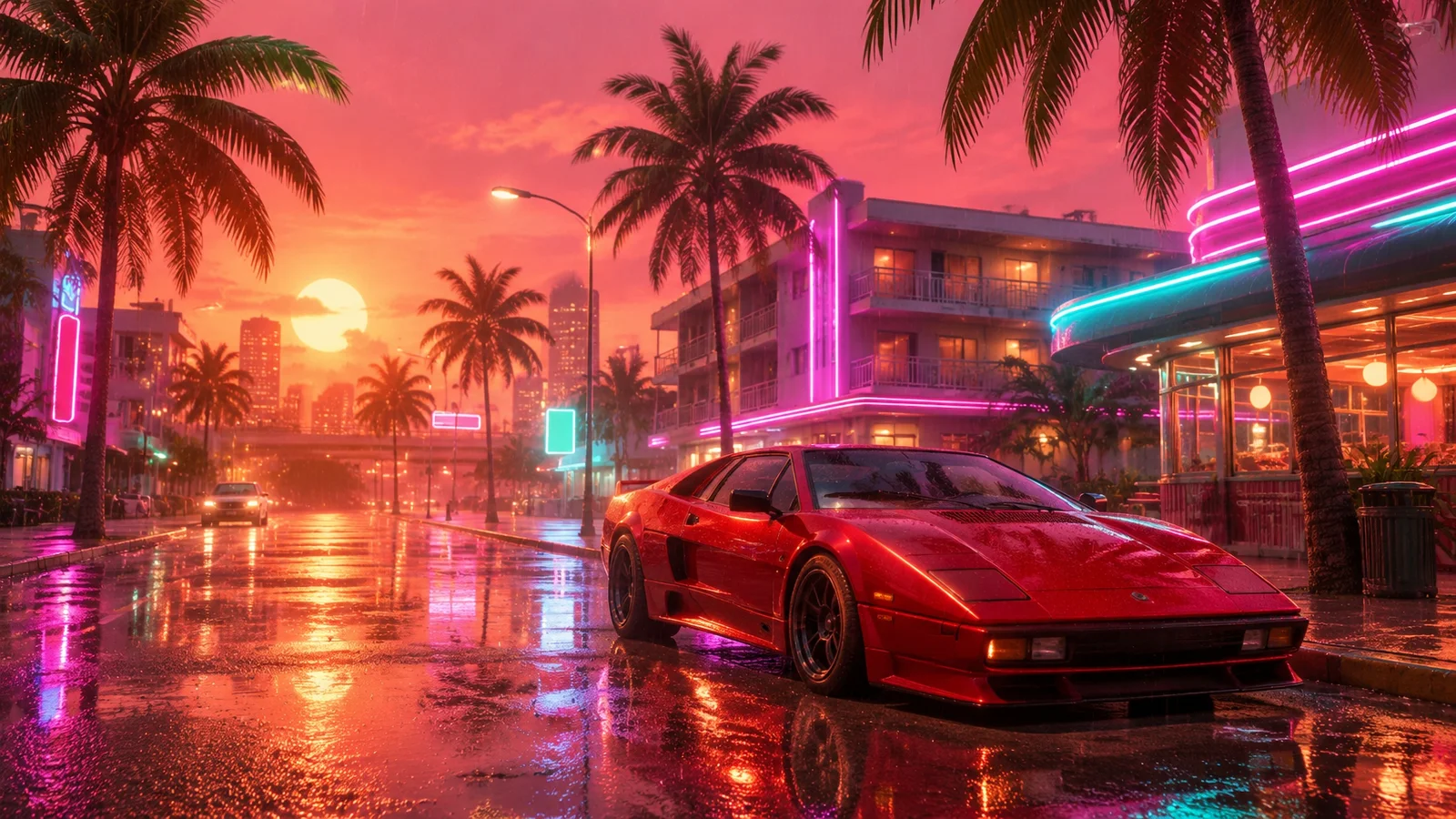
The second desktop wallpaper captures a neon-lit roadway in the rain at 2560 x 1440 resolution using GPT Image 2.6. To help avoid recognizable car emblems or trademarked designs, include terms such as 'fictional, no real brand, no badges'. Specify that road signs and storefront neon tubes contain no legible typography to avoid distorted artificial characters.
Mobile Wallpapers and Composition Tips
Phone lock screens demand dedicated vertical framing. Two mobile designs illustrate this format: a coastal causeway motorcycle scene rendered at 1440 x 2560 via GPT Image 2.6, and a nighttime motel pool scene featuring a flamingo float at 1536 x 2752 via Nano Banana 2.1.
Both vertical layouts keep visual complexity low in the upper third of the frame. This helps system lock screen clocks, widget rows, and status bar icons stay legible against the background art.
- Set the aspect ratio early: specify horizontal 16:9 (or 21:9 for ultrawide monitors) for PC, and vertical 9:16 for phones.
- Request negative space: instruct the model to leave a 'calm empty upper area for icons' or a clean 'top third for the clock'.
- Describe the visual aesthetic rather than brand names: use keywords like pink, purple, orange, and turquoise pastel palettes with thick contours.
- Adjust output resolution: upscale lower base renders (1K or 2K) through utilities like Upscayl or Krea if native 4K output is unavailable.
Tool Costs and Generation Limits
Basic generations can be created through free tiers on standard platforms within daily rate limits. Subscription plans recorded as of November 18, 2026, include ChatGPT Plus at 20 USD per month from OpenAI and Google AI Pro at 19.99 USD per month through Google One. For developer pipelines, generating a high-quality 2K image with GPT Image 2.6 via WaveSpeed API costs 0.135 USD per image.
Frequently asked questions
Where can official GTA 6 wallpapers be downloaded?
Official assets, branding, and promotional wallpapers are distributed through the Rockstar Games website in its downloads section.
How can you stop AI image models from creating mangled lettering on signs?
Include explicit negative constraints in your prompt, such as 'no text, no letters' or 'signs have no readable letters'.
How do you achieve 4K resolution on generated wallpapers?
Select an AI model that natively renders at 4K resolution, or take a 2K baseline output and scale it using an image upscaler such as Upscayl or Krea.
Unofficial site, not affiliated with Rockstar Games or Take-Two Interactive.
Read next
 GTA 6 · GuideGTA 6 Map - Interactive Map of Vice City and LeonidaExplore the GTA VI map by location name or category. Find Vice City, garages, safehouses and collectibles, open a pin and keep track of...
 GTA 6 · GuideGTA 6 walkthrough: missions by chapterBrowse the GTA 6 story missions across five chapters. Find your current objective by its in-game title, starting with Lucia in the Prologue.
 GTA 6 · GuideGTA 6 review: Jason, Lucia and life beyond Vice CityThe slower opening in the Keys pays off in Leonida, where Jason and Lucia give Rockstar’s vast world a personal centre. The verdict is...
