GTA 5 first-person settings for driving and aiming
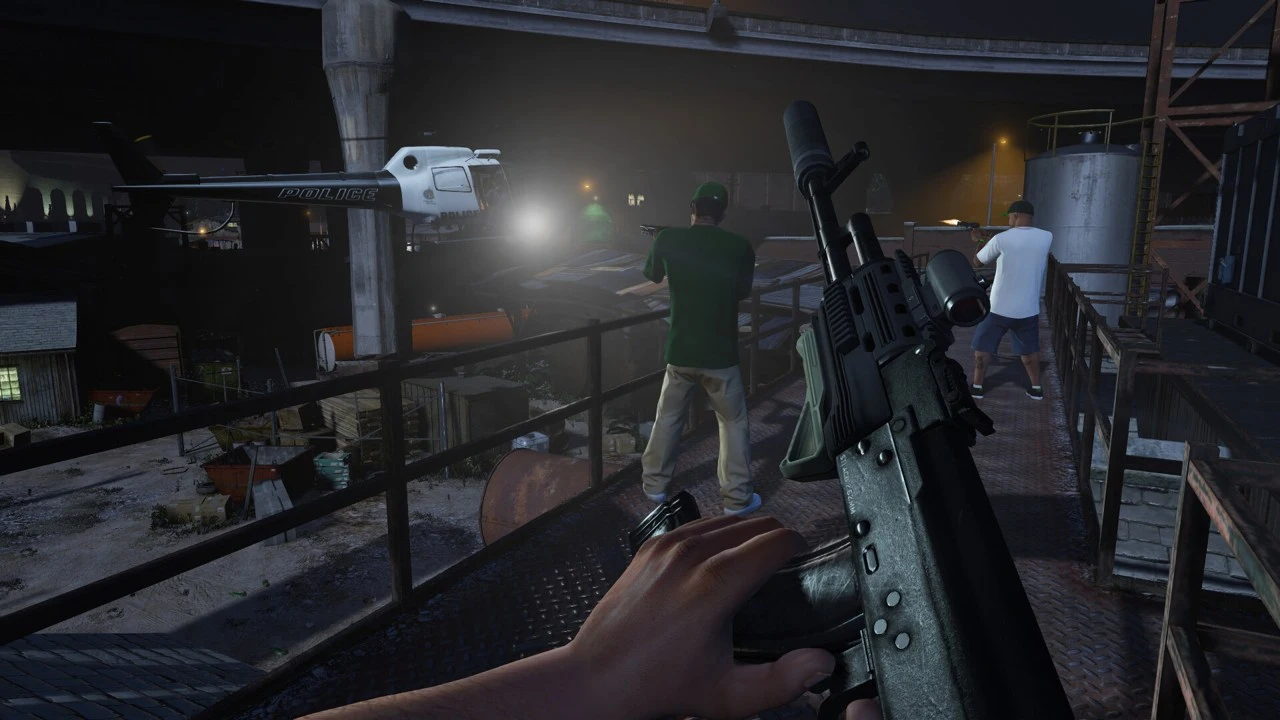
Press V during gameplay on PC until the camera switches to the character's perspective. This works in both the campaign and GTA Online. If you changed the
Contents 6
Press V during gameplay on PC until the camera switches to the character's perspective. This works in both the campaign and GTA Online. If you changed the keybind, find the view toggle in your key assignments.
- Press V until the camera returns behind the character. In an activity with a forced view, you must first return to the free roam session.
- Start by disabling head bobbing. Only then adjust the on-foot FOV to compare one change at a time.
First person on foot, third person in vehicles
Enable Allow Independent Camera Modes in the display settings. On the sidewalk, press V to select first-person view, get behind the wheel, and set an external view. Step out and get back in. The game should remember both choices. This setting is especially useful in vans with limited cabin visibility.
In the camera options, increase the first-person field of view in small increments. Check the change near a store doorway and at a busy intersection. The on-foot FOV slider does not move the driver seat back. If only the view on the sidewalk changes, the game is behaving correctly.
Three changes you can feel during gameplay
- Disable First Person Head Bobbing and run the same stretch. It is easier to assess whether camera movement or a narrow field of view is bothering you.
- If you lose orientation behind cover, enable First Person Third Person Cover. Walking away from the wall will return you to first-person view.
- Adjust look sensitivity and aim precision separately. First, perform a smooth turn on the street. Then, in the in-game shooting range, move the crosshair between two targets. If it overshoots the second target every time, lower your aim sensitivity by one step.
Forced camera race
You can switch perspectives in free roam. However, the activity host may force first-person view. If the V key stops working only after a race starts, check the activity settings before changing your keybinds. In the cabin, look toward the exit of a turn earlier, and start reversing by checking the sides of the car.
Rockstar Games trailer - Grand Theft Auto V: First Person Experience
See also
Sources
- Rockstar Support - GTA V
- Rockstar Games - Playing with Perspective
- Local game card and requirements - Steam
Frequently asked questions
How do I exit first-person mode on PC?
Press V until the camera returns behind the character. In an activity with a forced view, you must first return to the free roam session.
What should I change if the camera causes eye strain?
Start by disabling head bobbing. Only then adjust the on-foot FOV to compare one change at a time.
Comments 0
Comments with profanity, insults or accusations against people or companies are reviewed manually before publishing. Spam is removed.
No comments yet. Be the first to comment.
