GTA 6 How to Save: Slots, Autosave, and Mission Replay
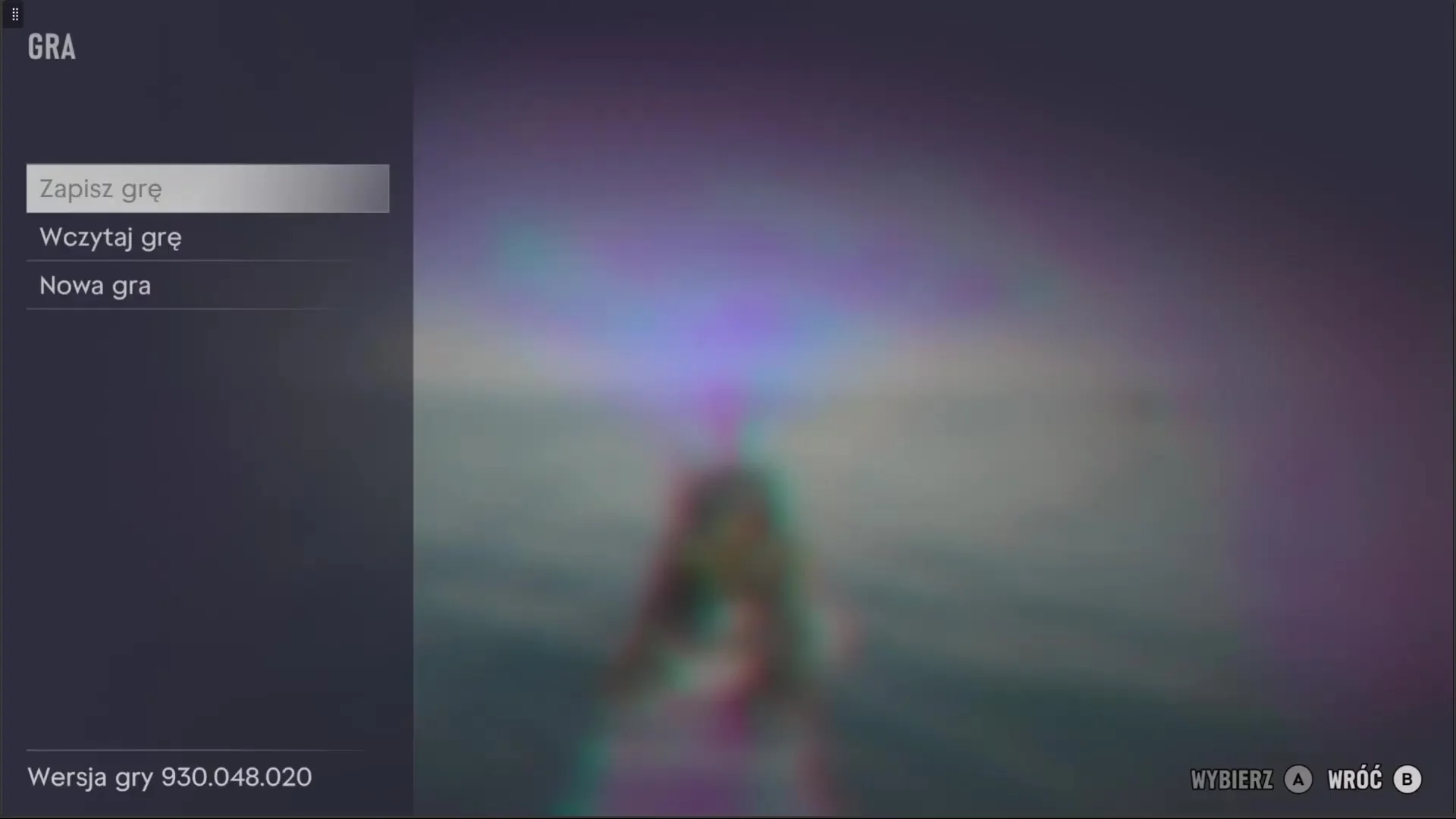
How to Save Your Game
In GTA 6, saving your progress manually is done through the pause menu.
Attempting to open the save screen during an active mission will show the option greyed out. Finish the mission before trying to save.
- Make sure you are not in an active mission so the save function is available.
- Press the Options button on PlayStation 5 or the Menu button on Xbox Series X|S to open the pause screen.
- Navigate to the Game tab and select Save Game.
- Pick an empty save slot or overwrite an existing one.
Save Slots and System Rules
The game provides 15 manual save slots alongside a single autosave slot. The autosave updates automatically and overwrites its single file as you play.
Because GTA 6 features a story spanning 5 distinct chapters, careful file management helps avoid losing progress. There is no chapter select screen or mission replay feature from the menu.
Recommended Save Strategy Across Chapters
Each of the 5 story chapters is tied to a unique hideout. Advancing the narrative can close off previous safehouses along with certain conversations and tasks tied to those locations.
A practical strategy is dedicating 10 slots to milestones: create one manual save at the start and one at the end of each chapter. This can help you return to earlier story beats or hideout interactions.
Use your remaining 5 slots on a rolling rotation between major missions. Before loading an older file to experiment, make a manual backup of your latest progress, since the autosave slot can be overwritten.
Critical Points for Manual Saves
Certain narrative windows and side tasks can disappear if you advance too far. In Chapter 1, tasks around the house before Lucia’s return in the mission Coming Home may no longer be available later.
You should also make a manual save before any large-scale story mission where the outcome matters to you, as well as before time-limited tasks like Race Against Yago, which disappears if missed.
Placing a dedicated manual save right before the final story sequence ensures you can revisit the climax without restarting the entire campaign.
Post-Story Free Roam and Completion
Once the credits roll, the map of Leonida remains open for free exploration. Side activities and tasks required for 100 percent completion stay accessible.
The 100 percent completion checklist unlocks in the progress menu only after finishing the main storyline, but tasks completed earlier in the campaign count toward the final tally automatically.
Frequently asked questions
Can you replay completed missions in GTA 6?
No. GTA 6 does not have a mission replay option or chapter select menu. The only way to revisit earlier story sequences is to reload a manual save created before that point.
Why is the save game option greyed out?
Manual saving is locked while you are in the middle of an active mission or when cheat codes are enabled. Finish the mission or disable cheats before saving.
How many save slots are available in GTA 6?
You have 15 manual save slots and 1 autosave slot. The autosave slot overwrites itself as you progress.
Next guide · GTA 6: Better Motion Blur Settings for Smoother 30 FPS