GTA art style: turn a selfie into a loading-screen portrait
See three before-and-after portraits and learn how to pick the right photo, lighting and setting for a GTA-style illustration.
Contents 4
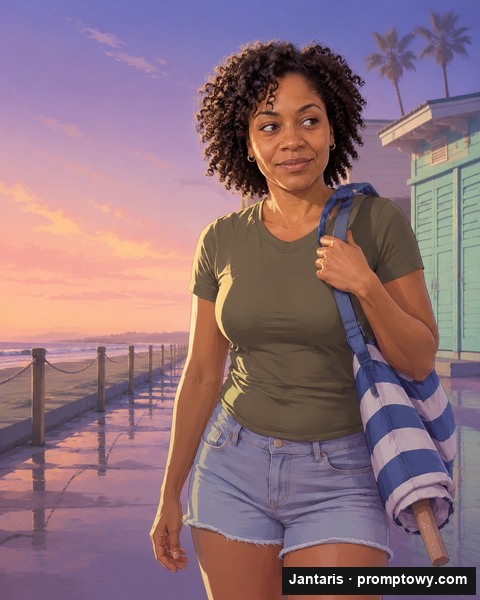
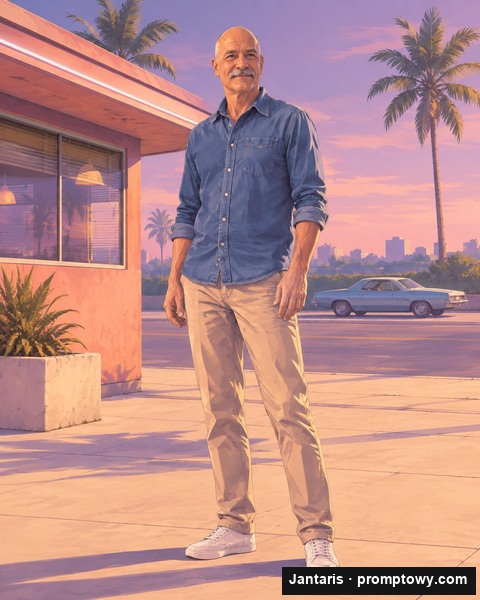
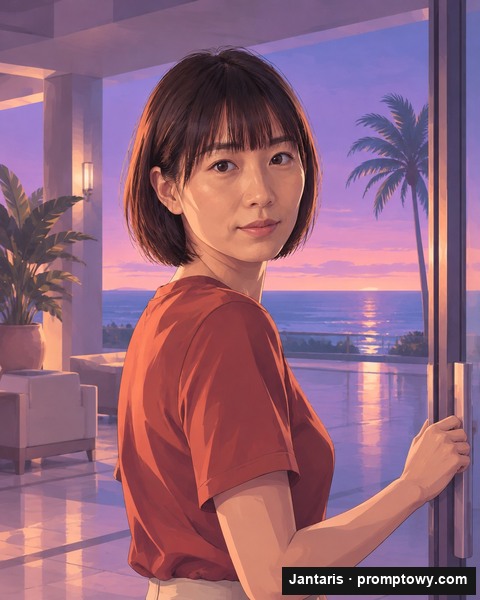
I judge a loading-screen portrait at thumbnail size first. Hair, brows and the line of the jaw should still read when the beach or the car is barely visible. I used three fictional adults for the before-and-after examples so you can compare each painted face with the exact reference.
Start with a face the camera can see
Stand near a window, turn toward it and hold your phone at eye level. Keep the top of your hair and both shoulders inside the frame. One face, visible eyes and a plain background give the illustration a stronger starting point. Portrait-mode blur can cut into curls, so check the hairline before you use the shot.
Pick the scene, then check the likeness
Pick a sample face and a scene, then download the JPG. Outside the diner the parked car sits across the road. In the hotel lobby, light from the ocean catches the cheek of a woman turning at the door. Switch back to the photo to check the shape of her nose and the line of her fringe.
Where the loading-screen look comes from
I look for broad patches of shadow beneath the cheeks and a few sharp ink lines around the eyes. A colour filter alone leaves all the tiny camera details in place. In Photoshop or GIMP you can draw each edge and adjust it by hand. The generator paints the whole scene in one pass, with less control over details like the shape of a smile.
Frequently asked questions
Is this an official GTA filter?
It is an independent illustration tool with original scenes.
Can I use a friend’s photo?
Only with their permission. Use a clothed adult subject.
Is there a free download?
The preview lets you save a small watermarked sample.
Can I buy the HD image?
Paid HD is planned through a Jantaris balance. Checkout is closed during review.
What happens to my selfie?
This preview uses fictional subjects. Personal photo uploads open only after end-to-end deletion has been verified.
How will the free trial work?
The plan allows up to two small portraits a day, with HD available from a Jantaris balance. This preview uses prepared examples.
Comments 0
Comments with profanity, insults or accusations against people or companies are reviewed manually before publishing. Spam is removed.
No comments yet. Be the first to comment.
