GTA 5 Enhanced PC settings for GTX, RTX and Radeon
In GTA 5 Enhanced, start by setting your monitor resolution and disable ray tracing for your initial run. Measure your framerate in central Los Santos, then
Contents 6
In GTA 5 Enhanced, start by setting your monitor resolution and disable ray tracing for your initial run. Measure your framerate in central Los Santos, then change a single setting. This lets you see the actual performance cost of reflections rather than guessing based on preset names.
- DLSS requires a GeForce RTX card. On a GTX card, check the available resolution and scaling options in the in-game menu.
- No. Always compare the same edition, scene, resolution, and ray tracing settings. Averages do not show brief stutters.
Which Setting to Adjust First
| Graphics Card | Initial Test Profile |
|---|---|
| GTX 1630 / RX 6400, 4 GB | Disable ray tracing. Start with the low preset and monitor memory usage. If the game still stutters, lower your render resolution. |
| RTX 3060 / RX 6600 XT | Start at 1080p without ray tracing. Compare native resolution with DLSS Quality on an RTX card or FSR Quality on a Radeon. Check ray tracing reflections only after that. |
| RTX 3070 / RX 6800 XT and Above | Test ray tracing reflections and lighting separately. At 1440p, start with the quality scaling mode and run a second test with scaling disabled. |
What GameGPU Tests Showed
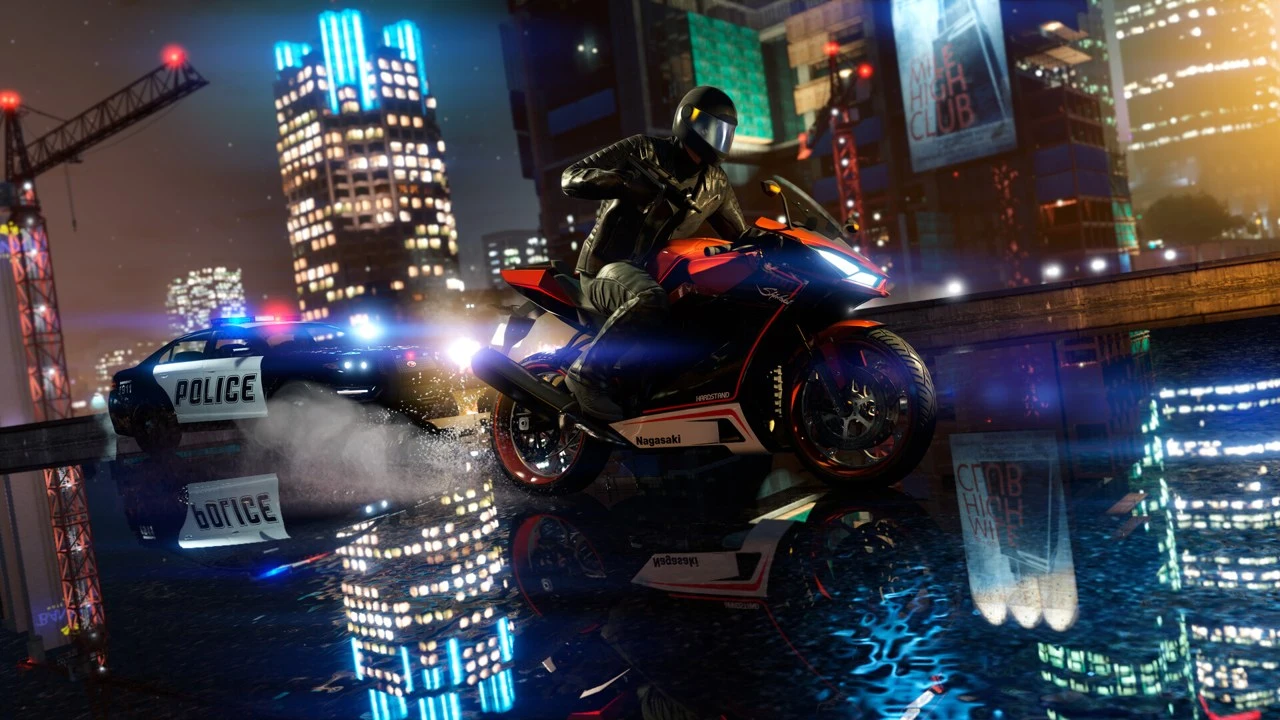
In the GameGPU benchmark from March 4, 2025, an average of 60 FPS at 1920x1080 with maximum ray tracing and no scaling was achieved by the RTX 3070 or RX 6800 XT class. This serves as a benchmark for a specific scene. Test results do not guarantee minimum framerates in a crowded Online session with many players and vehicles.
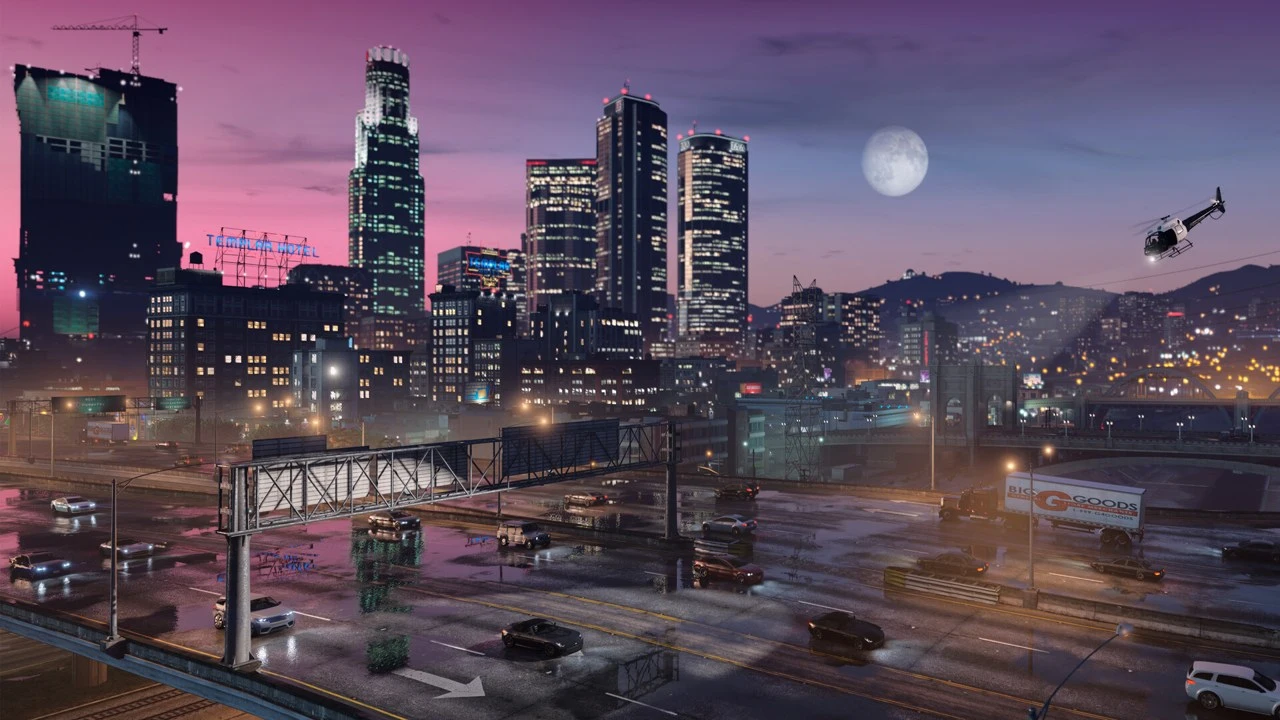
My simple settings test starts with a night drive past illuminated storefronts. Note your resolution, preset, scaling mode, and result, then repeat the route. If stopping at an intersection is smooth but the game stutters when entering a new district, check your VRAM and SSD installation before lowering shadow quality further.
Backing Up Your Configuration
After closing the game, open your Documents folder via File Explorer. In the Rockstar Games directory, open GTAV Enhanced and make a copy of settings.xml under a different name. If your Documents folder is redirected to OneDrive, start in the active Documents folder. To restore your settings, close the game and replace the file with your backup. Leave story save files in the Profiles directory.
The ZIP archive contains a PowerShell script to back up your existing settings.xml. Extract the file, close the game, and run the script using PowerShell. A folder named GTA-V-Enhanced-backups will be created in your Documents folder. Each backup has a unique name. A ready-made config file from another PC could force an incorrect resolution or memory profile.
Download settings backup script (ZIP)
See also
Sources
- Rockstar Games - GTA V Enhanced
- GameGPU - GTA V Enhanced, 04.03.2025
- PCGamingWiki - GTA V Enhanced
- Local game card and requirements - Steam
Frequently asked questions
Does the GTX 1630 support DLSS?
DLSS requires a GeForce RTX card. On a GTX card, check the available resolution and scaling options in the in-game menu.
Does 60 FPS in the benchmark guarantee 60 FPS in Online?
No. Always compare the same edition, scene, resolution, and ray tracing settings. Averages do not show brief stutters.